T2V helps test a scene before its visual references are settled.
HappyHorse · Video models
HappyHorse official siteHappyHorse
Choose the reference your scene already has.
HappyHorse 1.1 offers text, first-frame and reference-image paths for short sound-enabled clips.
HappyHorse
Choose text, first frame or character references according to what the scene team has already approved.
HappyHorse 1.1 is documented by Alibaba Cloud Model Studio with text-to-video, first-frame image-to-video and reference-image video modes. All three produce sound-enabled clips up to 1080P and 15 seconds, giving a short-drama team distinct paths from script, approved still or recurring character.
I2V starts from an approved character and composition frame.
R2V uses reference images for a recurring subject in new scenes.
HappyHorse
See the shot in context
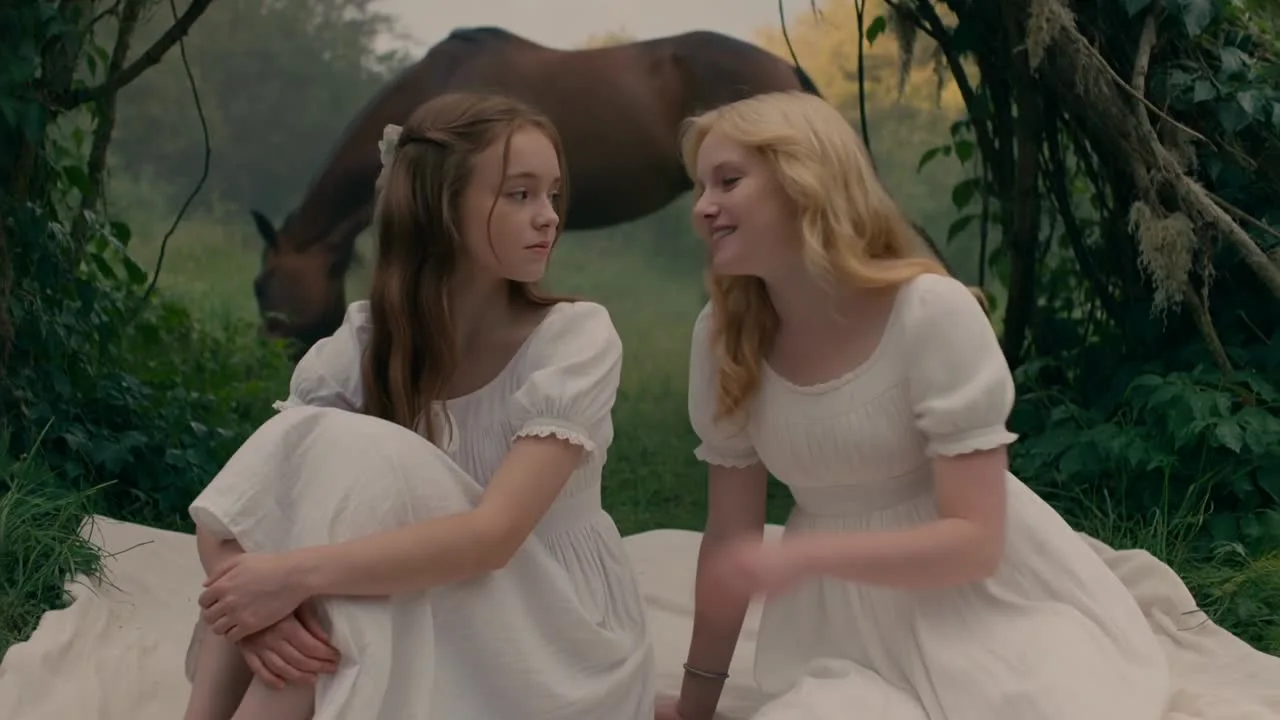
Video cover from the official HappyHorse platform; mode graphic from Alibaba Cloud. Rights belong to their owners; these are not Panco outputs.
Video cover featured on the official HappyHorse platform. The gallery does not identify its exact model version.
View official source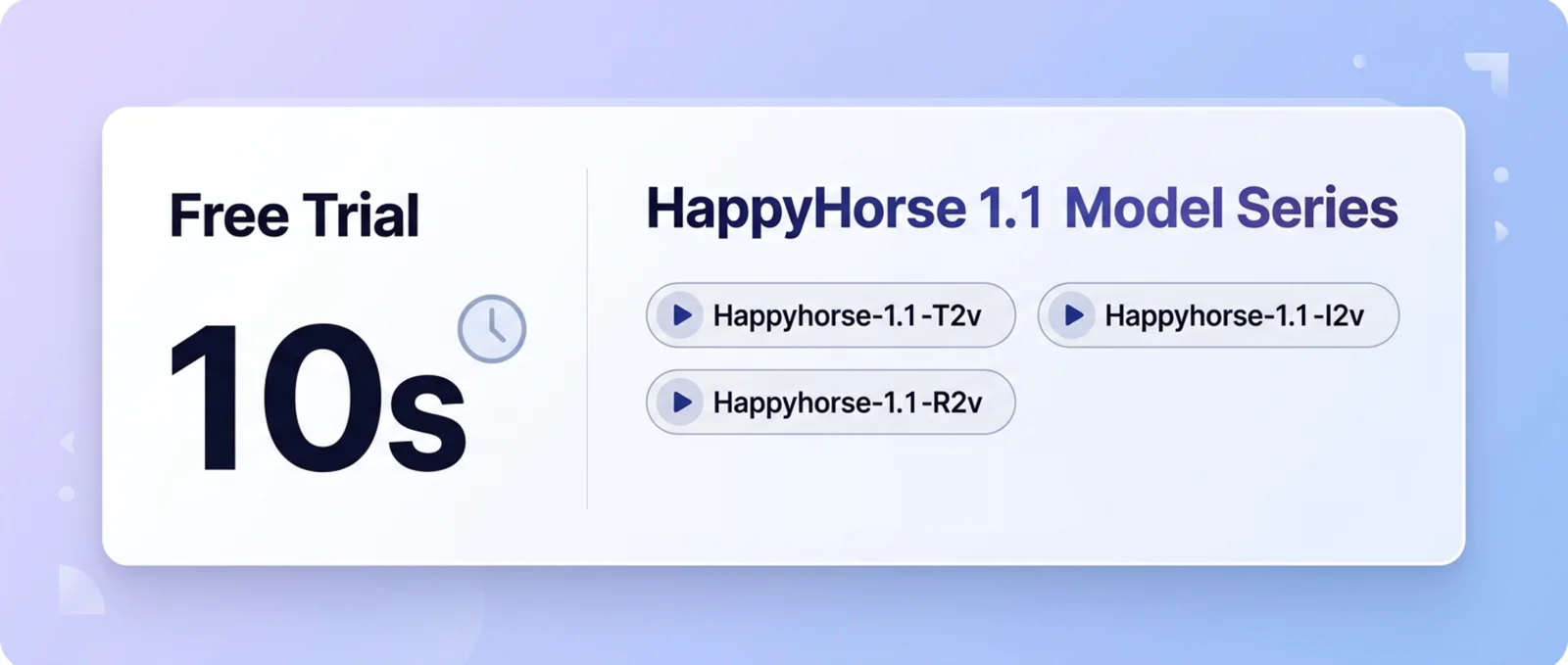
Alibaba Cloud’s official HappyHorse 1.1 overview of text, first-frame and reference-image modes.
View official sourceChoose a generation mode
Choose text, first frame or character references according to what the scene team has already approved.
HappyHorse 1.1 T2V
Text-to-video with sound, up to 1080P and 15 seconds. Use it to test a new scene before character reference frames are ready.
View official sourceHappyHorse 1.1 I2V
Animates a first frame with sound. Choose this path when costume, casting look and composition have already been approved as a still.
View official sourceHappyHorse 1.1 R2V
Generates a new scene from reference images. Test it for recurring characters across locations, then check identity in every edited shot.
View official sourceFrom brief to edit
Match the mode to your materials
For a recurring character, approve a wide and medium reference frame, then test the same story beat with I2V and R2V. Compare identity and action before selecting a take.
Start with a scene brief for T2V exploration.
Approve a first frame before trying I2V.
Prepare consistent character views for R2V.
Compare identity, movement and sound across takes.
Reference-image scene prompt
HappyHorse 1.1 offers text, first-frame and reference-image paths for short sound-enabled clips.
Before final delivery
Check facial identity, costume, sound and shot continuity in the actual output. Availability and commercial terms depend on the service used.
Use the approved wide and medium references for the same adult woman in a black coat on a moonlit pier. Keep her face, hairstyle, clothing and the railings consistent. She walks three steps toward the water, stops, and turns to look back at someone offscreen. Begin wide, move gently to a medium shot. Soft wind and distant water ambience; no dialogue or music. Check the chosen mode for supported reference and audio controls.
HappyHorse questions
Choose text, first frame or character references according to what the scene team has already approved.
T2V starts from text, I2V animates a first frame, and R2V uses reference images. Choose by the assets approved for your scene.
Alibaba Cloud lists these as maximums for HappyHorse 1.1 modes. Availability and settings depend on the service used.
The video cover is featured on the official HappyHorse platform; the mode graphic comes from Alibaba Cloud’s HappyHorse campaign. Neither is a Panco output. The gallery does not identify the cover’s exact model version.
Choose the reference your scene already has.
HappyHorse 1.1 offers text, first-frame and reference-image paths for short sound-enabled clips.
Start creatingMode and limit information comes from Alibaba Cloud Model Studio. Panco access, settings, pricing and rights require checking in the actual product.
Sources reviewed: October 3, 2026Alibaba Cloud Model Studio