Motion control gives an action scene a clearer movement brief.
Kling AI · Video models
Official model exampleKling AI
Direct the movement. Define the final frame.
Plan a character action, camera path and ending composition before generating a take.
Kling AI
Best suited to action beats, scene transitions and shots whose opening and closing frames are planned.
Kling AI turns a shot brief or a reference image into moving footage. Its official site highlights motion control and start/end frames, useful when a drama scene needs a deliberate action or a defined final composition.
Start and end frames help connect a generated shot to the surrounding edit.
Image to video can animate an approved character or location frame.
Kling AI
See the shot in context
Video and still: Kling AI official site. Rights belong to their owners; these are not Panco outputs.
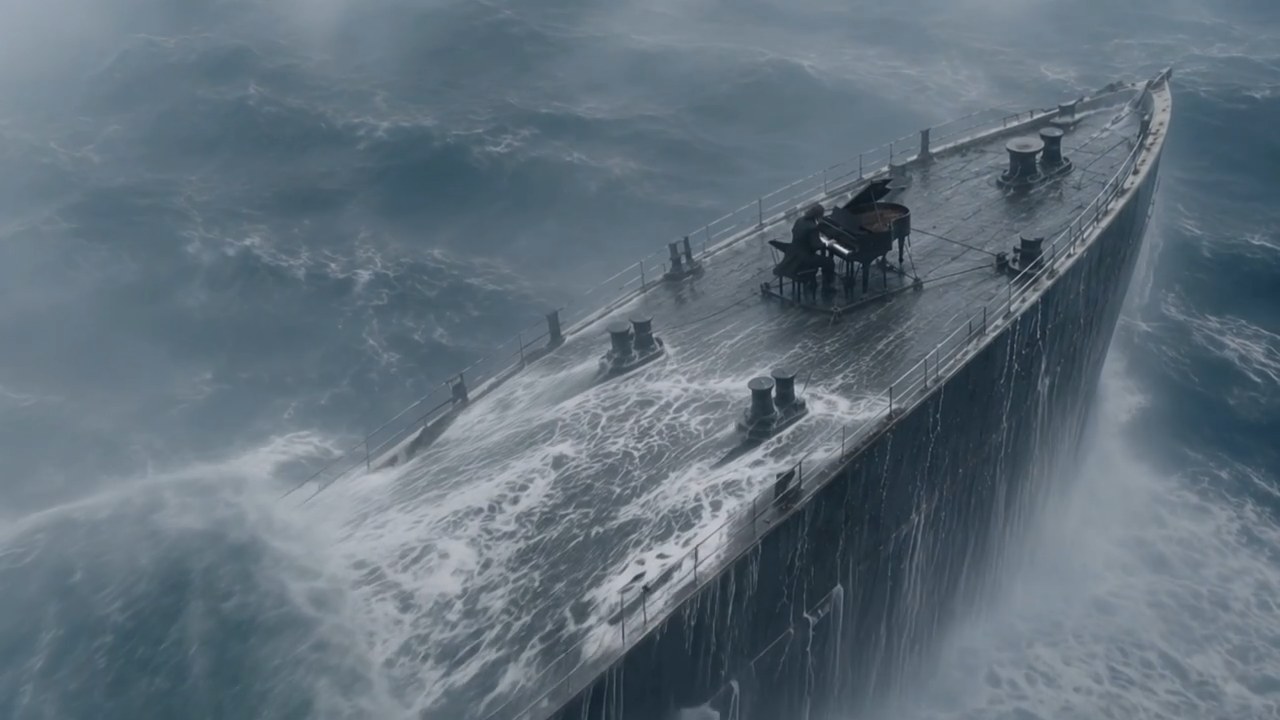
Still from the official Kling 4.0 homepage video: a reference for cinematic framing.
View official sourceKling homepage video: inspect action and camera movement across the shot.
View official sourceChoose a generation mode
Best suited to action beats, scene transitions and shots whose opening and closing frames are planned.
Kling 4.0
The current flagship shown on Kling’s site. Use it for performance-led hero shots where movement, camera direction and the final frame must read clearly.
View official sourceKling 3.0
An earlier generation still listed by Kling. Keep a fixed prompt and references when comparing its take with 4.0 for the same scene.
View official sourceFrom brief to edit
Build a controlled action shot
Lock the character and set design in still images, define the shot size and movement, then generate short clips for each beat. Cut the usable takes together before adding dialogue and sound.
Lock character and location reference frames.
Describe one action with a clear start and end.
Set camera movement and, where available, an end frame.
Compare takes and inspect hands, props and the cut.
Action shot prompt
Plan a character action, camera path and ending composition before generating a take.
Before final delivery
Review hands, props, character identity and frame continuity across cuts; the official feature list does not guarantee every take will match a production brief.
Night station, one adult woman in a dark coat. Start on a medium shot as she turns toward an arriving train. The camera tracks left with her movement, then slowly pushes in. She stops, raises an old ticket, and looks offscreen right. End on a steady close-up with the ticket visible. Keep her face, coat, screen direction and platform lighting consistent. No cuts or text.
Kling AI questions
Best suited to action beats, scene transitions and shots whose opening and closing frames are planned.
Use them when a shot must begin from an approved image and land on a planned composition. Check the actual control and supported model in the service you use.
No. The official feature describes a control method, not a guarantee for every take. Review direction, timing and subject continuity in generated footage.
No. The video shown here comes from Kling AI. Panco integration and feature availability must be checked in the workspace.
Direct the movement. Define the final frame.
Plan a character action, camera path and ending composition before generating a take.
Start creatingOfficial capabilities and sample media do not establish availability in Panco. Check the actual workspace for versions, controls, pricing and rights.
Sources reviewed: October 3, 2026Kling AI