References in one view
Arrange characters, settings, and existing images around a shared story moment.
Give scattered ideas a shared visual space.
Are character, setting, and shot references scattered everywhere? Lay out references and visual directions in a flexible space. Compare character, setting, and shot ideas before choosing the next step.
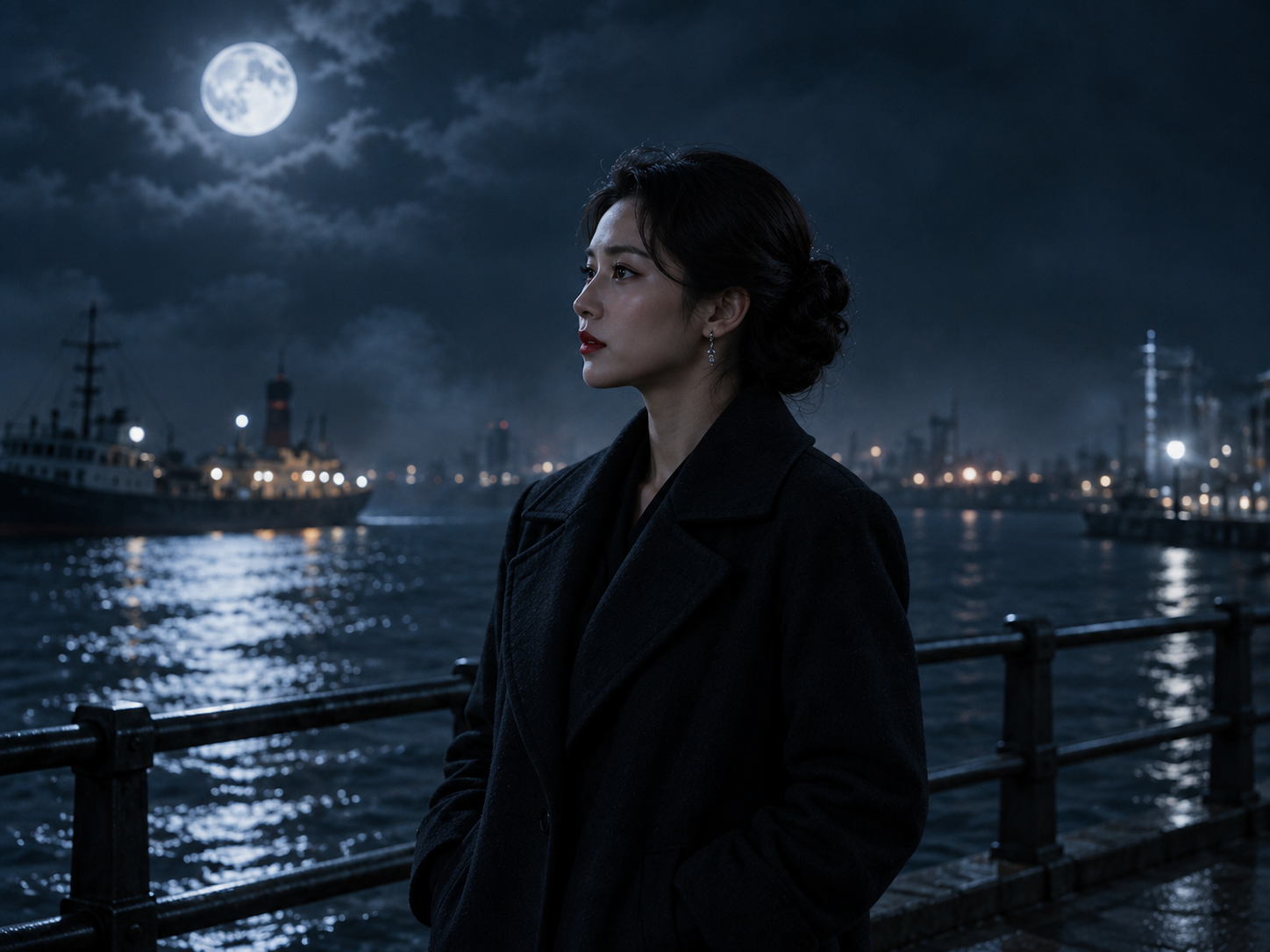 Lin · Investigating a disappearance
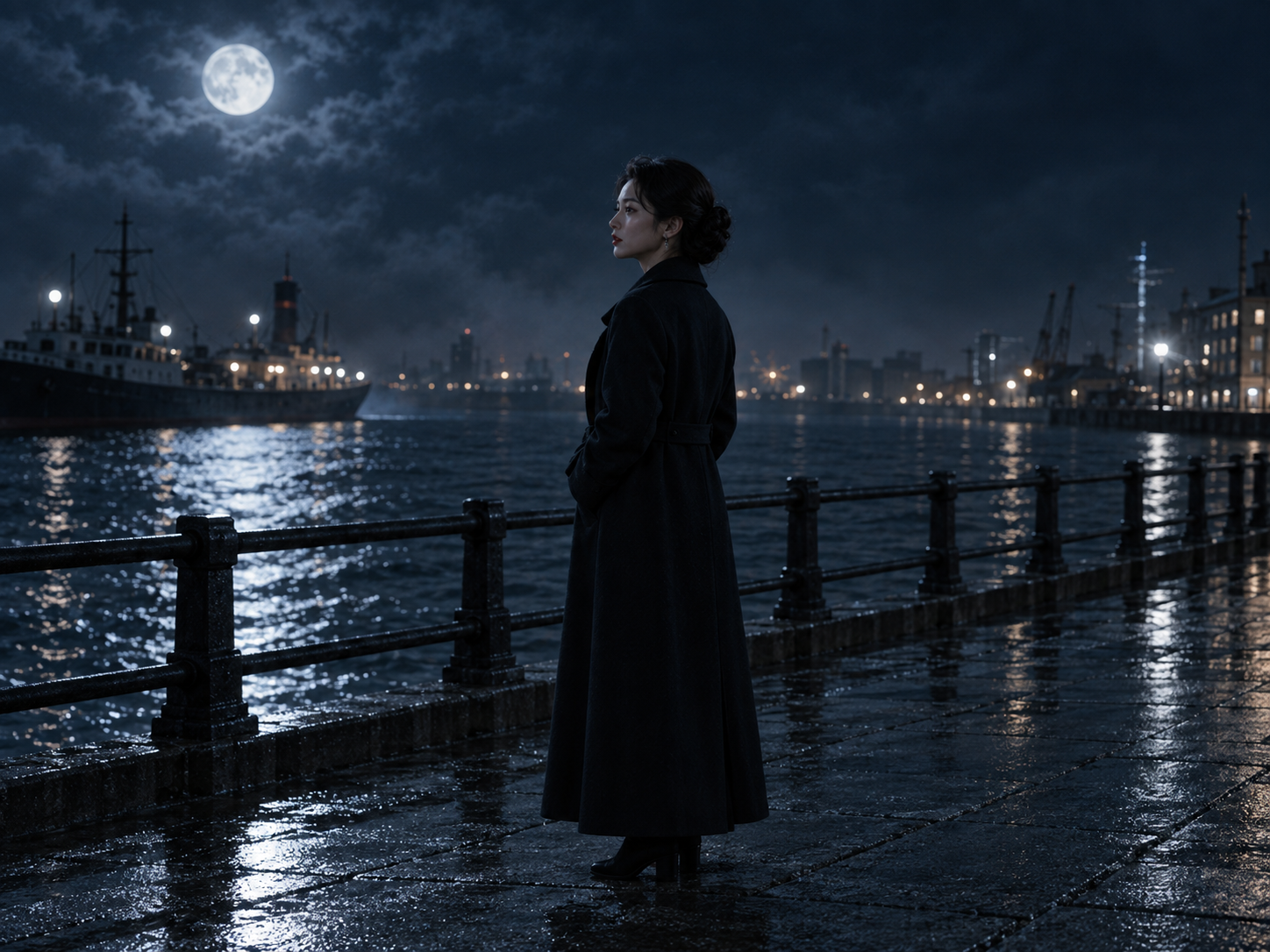 Harbor · Night · Exterior
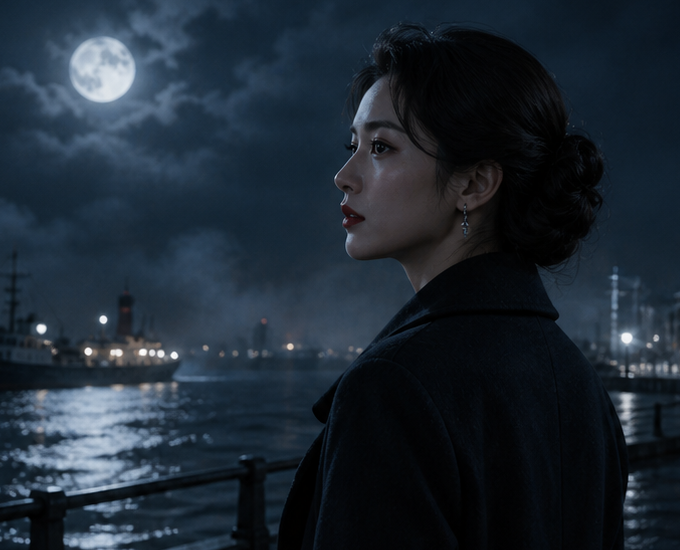 Character reaction
Open a mystery short drama. A woman returns home and discovers another side to her father’s disappearance.
Move the actionCharacter reactionSee the relationship between characters, settings, and shot ideas for the same scene.
Lin · Investigating a disappearanceHarbor · Night · ExteriorCharacter reactionOpen a mystery short drama. A woman returns home and discovers another side to her father’s disappearance.
Move the actionCharacter reactionSpend more time exploring the film and less time switching between folders and conversations.
Arrange characters, settings, and existing images around a shared story moment.
Compare framing, light, and atmosphere before developing the selected idea further.
Check how a character’s look fits the setting before committing to the direction.
Keep references and visual attempts with the project so decisions have context later.
Discuss different framings around the same visual choices rather than starting each shot from scratch.
Keep selected references close to project materials and the work that follows.
You do not need the whole series mapped out. Work on the next meaningful step.
Bring a character’s look and the environment together to check their visual relationship.
Compare framing and lighting options before choosing what to develop.
Collect references and image experiments around one story moment.
Organize character, setting, and existing image references around a project. The canvas supports comparison and visual discussion; available material entry points are shown in Studio.
A list helps you find work. A canvas arranges references by scene, visual direction, or shot relationship so you can compare them together.
It provides shared visual context for checking characters and settings. Consistency still depends on appropriate references, generation settings, and creative review.
The images are product concepts with a sample story, illustrating how production materials relate. “Open the canvas” opens the current Studio demo. Available tools and the actual interface are shown in the workspace.
Lay out references and visual directions in a flexible space. Compare character, setting, and shot ideas before choosing the next step.
Open the canvas