Text to video can sketch a scene before its final look is locked.
Wan · Video models
Wan official siteWan 3.0
Move from a still to the next scene.
Compare text, first-frame and reference-led video paths against the same scene brief.
Wan
Useful for scene exploration, image led shots and testing alternative visual treatments.
Wan is an AI creative platform with text to video and image to video alongside image tools. For short drama teams, the practical advantage is moving from a scene idea or an approved still into a candidate shot in one visual workflow.
Image to video starts from an approved frame for a clearer visual anchor.
Image generation and editing support the still assets around video work.
Wan
See the shot in context
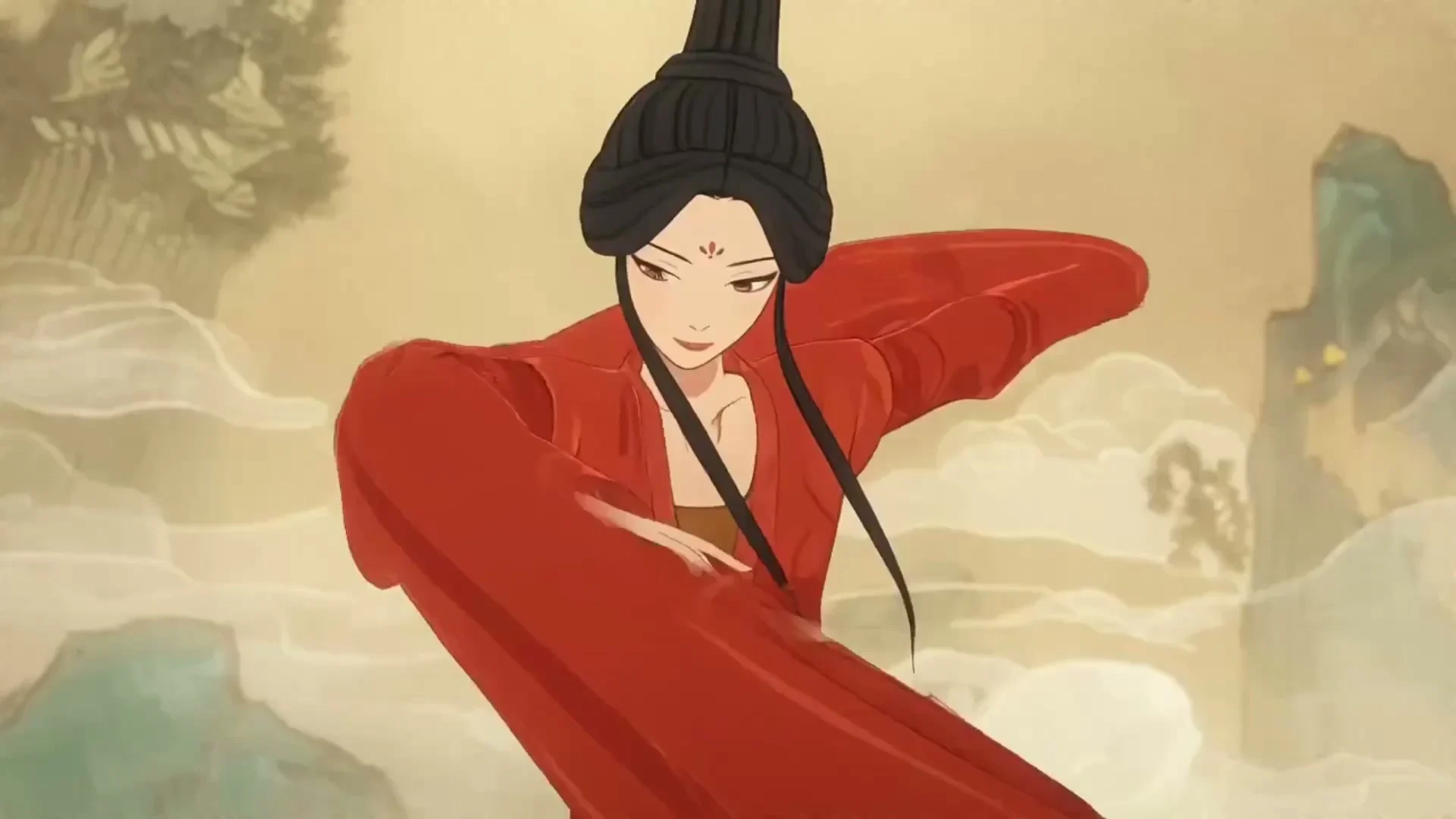
Visuals from the official Wan site. Rights belong to their owners; these are not Panco outputs.
Visual from the official Wan site, showing its animated storytelling style.
View official source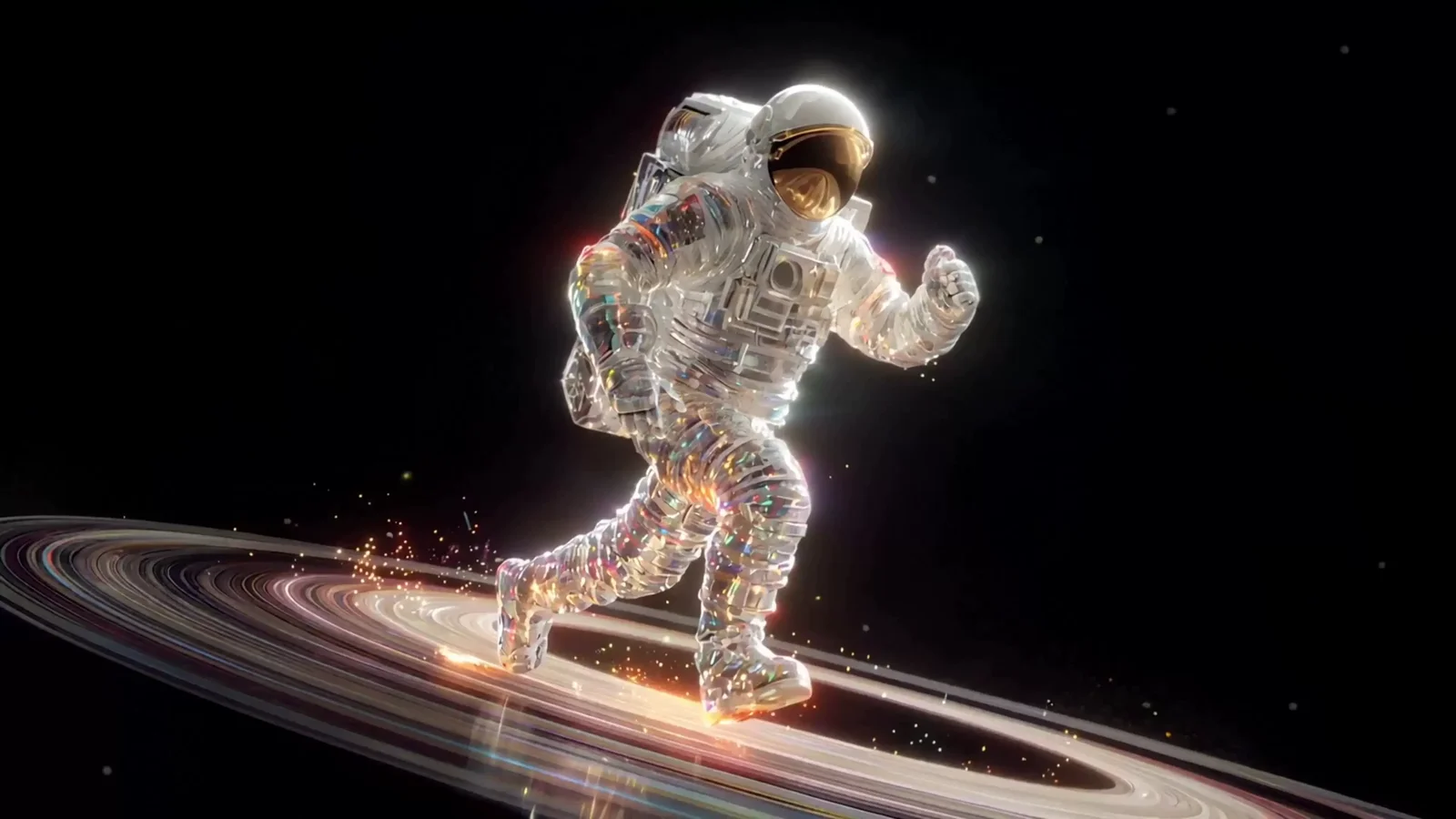
Another visual from the official Wan site, showing a space-themed scene.
View official sourceChoose a generation mode
Useful for scene exploration, image led shots and testing alternative visual treatments.
Wan 3.0 Video
Text, first/end-frame and all-reference video generation, with clips up to 30 seconds. Useful for longer dialogue-free story beats and planned shot transitions.
View official sourceWan 3.0 Video Prime
The faster variant of Wan 3.0 Video with the same documented creation modes. Use it for multiple rough takes before choosing a shot to refine.
View official sourceFrom brief to edit
Take an approved frame into motion
Draft a scene image, choose the composition and wardrobe, then animate the selected frame. Keep the approved still beside each generated clip during review.
Make a scene still with character, wardrobe and lighting.
Select a first frame and define the target end composition.
Generate candidate clips with the available Wan mode.
Compare the motion to the approved still and adjacent cuts.
Image-led scene prompt
Compare text, first-frame and reference-led video paths against the same scene brief.
Before final delivery
Check object continuity, character features and the transition between still and moving frames. Feature availability can vary by model and product surface.
Use the approved first frame: an adult woman in a black coat on a moonlit pier. Keep her face, hairstyle, coat and the pier layout. The camera begins wide and moves slowly toward a medium shot as she turns to face the water. A light breeze moves the coat; reflections shift naturally. End with her at frame right and open water at frame left. One continuous shot, no new characters or text.
Wan questions
Useful for scene exploration, image led shots and testing alternative visual treatments.
Use text for an open brief, first/end frames for planned compositions, and reference mode when approved assets must guide the scene. Confirm modes in the product you use.
No. Alibaba Cloud documents up to 30 seconds for the listed Wan 3.0 video models. Actual limits depend on mode and service settings.
Both visuals come from the official Wan site. They illustrate the product, but are not Panco outputs or a verified test of Wan 3.0 settings.
Move from a still to the next scene.
Compare text, first-frame and reference-led video paths against the same scene brief.
Start creatingCapabilities come from Alibaba Cloud Model Studio documentation. Panco availability, mode limits, prices and rights require checking in the actual product.
Sources reviewed: October 3, 2026Alibaba Cloud Wan 3.0
Continue your short-drama workflow
Wan 3.0: text, first frames and reference-led shots
Text to video starts from the scene instruction and is useful for testing an idea before composition is approved. Image to video starts from an image that establishes the opening composition. Reference to video uses supplied material to guide subjects or style. Choose the mode actually offered by the selected service; these inputs are not interchangeable.
In our four-second text-shot test, an OPEN sign stayed readable but moved vertically, and the requested occlusion timing did not fully happen. Important titles and evidence text still need frame-by-frame review or deliberate finishing in the editor.
Compare Seedance, Wan and MiniMax with the same shot brief and references. Check dialogue turns, action continuity and accepted-shot cost before choosing the next model.