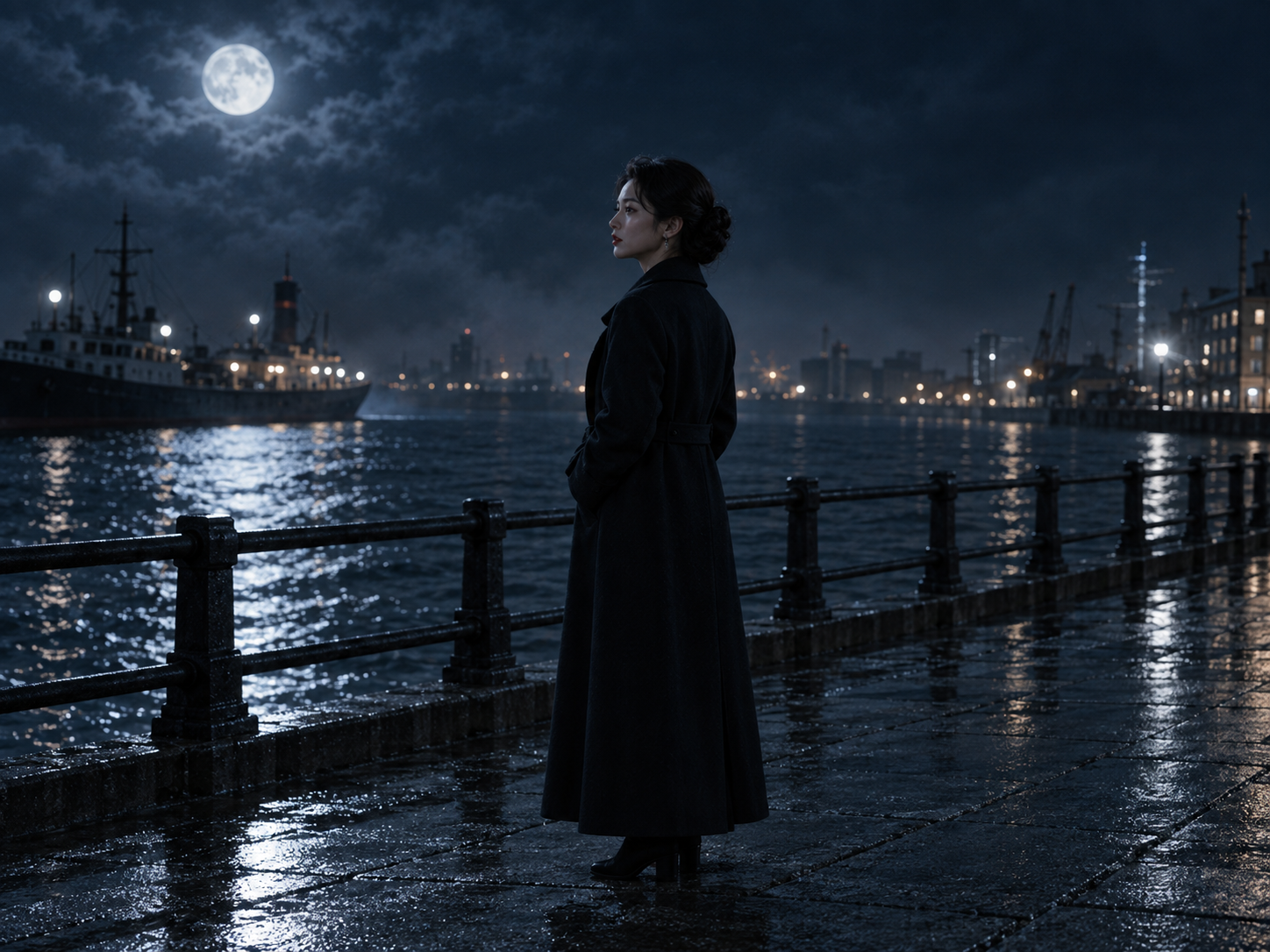
An opening with a hook
Give the character a problem they must face now. Put the conflict into the scene rather than a long introduction.
One story idea. The beginning of a great scene.
A flat opening, characters who sound alike, or a draft that is hard to film? Develop your premise or existing draft into character motives, scenes, and dialogue for short dramas and online film.
Harbor · Night · Exterior
Lin steps off the last ferry. A man who vanished three years ago places her old pocket watch on the railing.
LIN: Where did you get that watch?
CHEN: Your father asked me to wait here.
Turn a broad idea into scenes you can discuss, revise, and take into production.
Open a mystery short drama. A woman returns home and discovers another side to her father’s disappearance.
Work through six questions that often slow down short drama and film writing.
Give the character a problem they must face now. Put the conflict into the scene rather than a long introduction.
Define goals, fears, and relationships so that decisions make sense and twists feel earned.
Decide when to reveal information and when to leave a question open. Keep the middle of the episode moving.
Specify people, locations, actions, and emotional changes to give visual production a clear brief.
Check lines against each character’s identity and relationships. Remove repeated information and give dialogue a purpose.
Keep the draft close to references and later visual work so the story context is easy to revisit.
You do not need the whole series mapped out. Work on the next meaningful step.
Introduce a character through conflict and write a first scene that makes the audience want more.
Two people want different outcomes. Explore their relationship through action and subtext.
Map the episode goal, emotional turn, and closing question before expanding the scenes.
Begin with a premise, a character relationship, a scene description, or an existing draft. Use the script entry in Studio to organize the direction and continue within the project.
A script places character goals, conflict, and information into specific scenes. Short drama writing needs an engaging opening, meaningful changes in each scene, and a closing question that carries the story forward.
Explore Script Workflow to organize shot ideas or Infinite Canvas to compare character and setting references. The related entry points keep you in the project context.
The images on this page are product concepts with a sample story, showing how a premise, scenes, and dialogue relate. “Start a script” opens the current Studio demo. Available tools and the actual interface are shown in the workspace.
Bring a character, a conflict, or a draft to Panco Studio.