

Choose image or video
Pick an image or video model for the result you want to make.
One idea. Many ways to create.
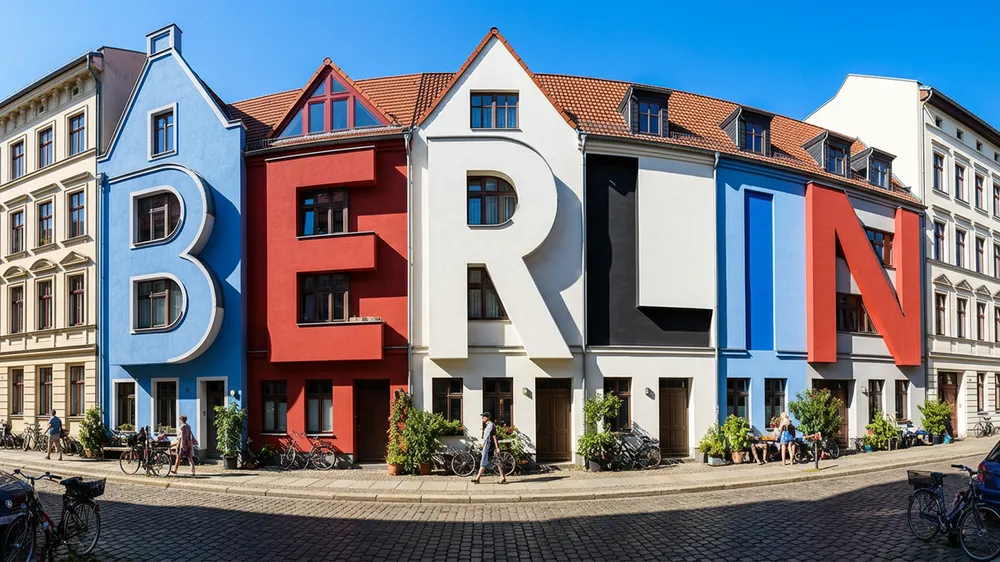
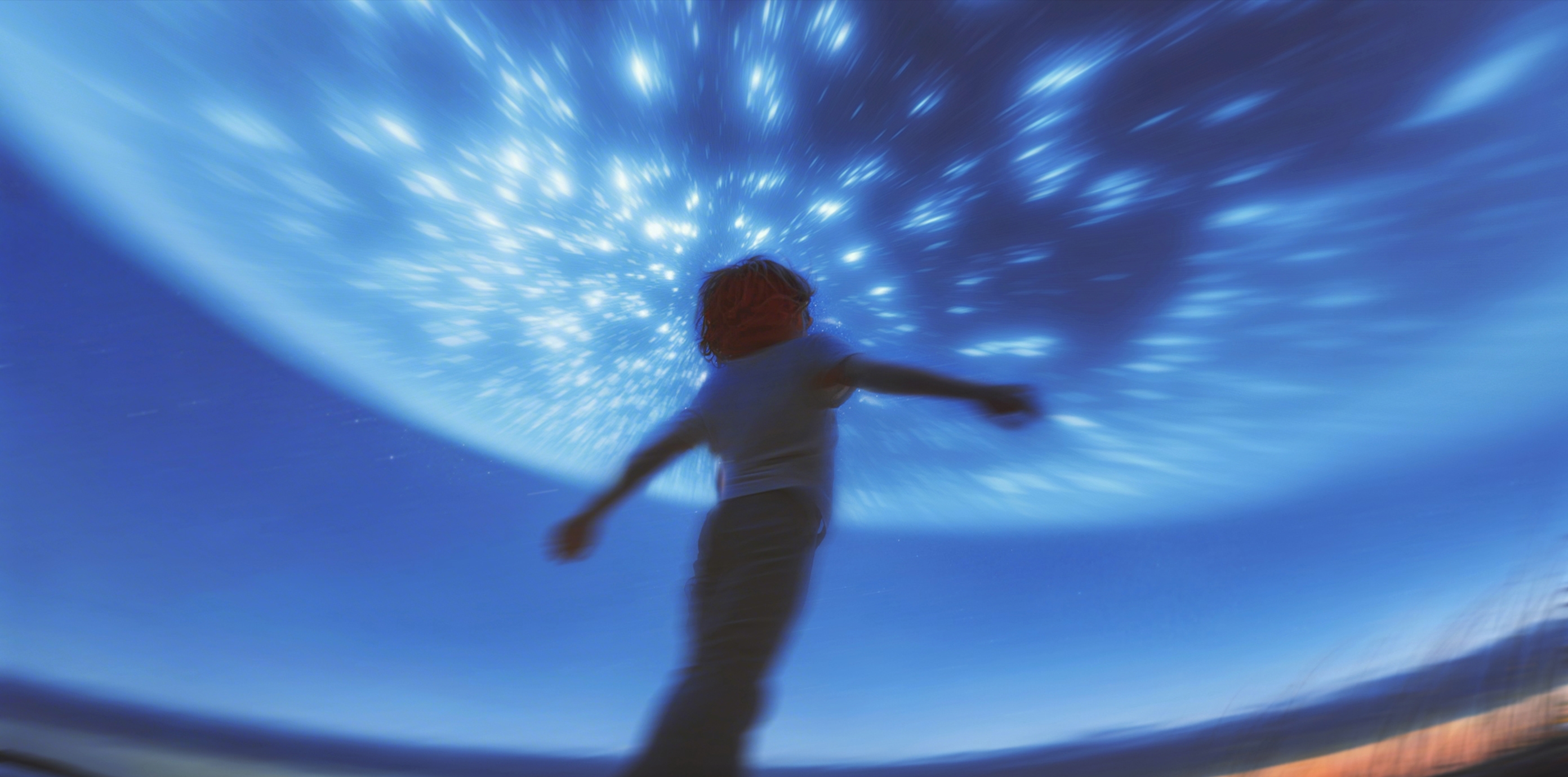
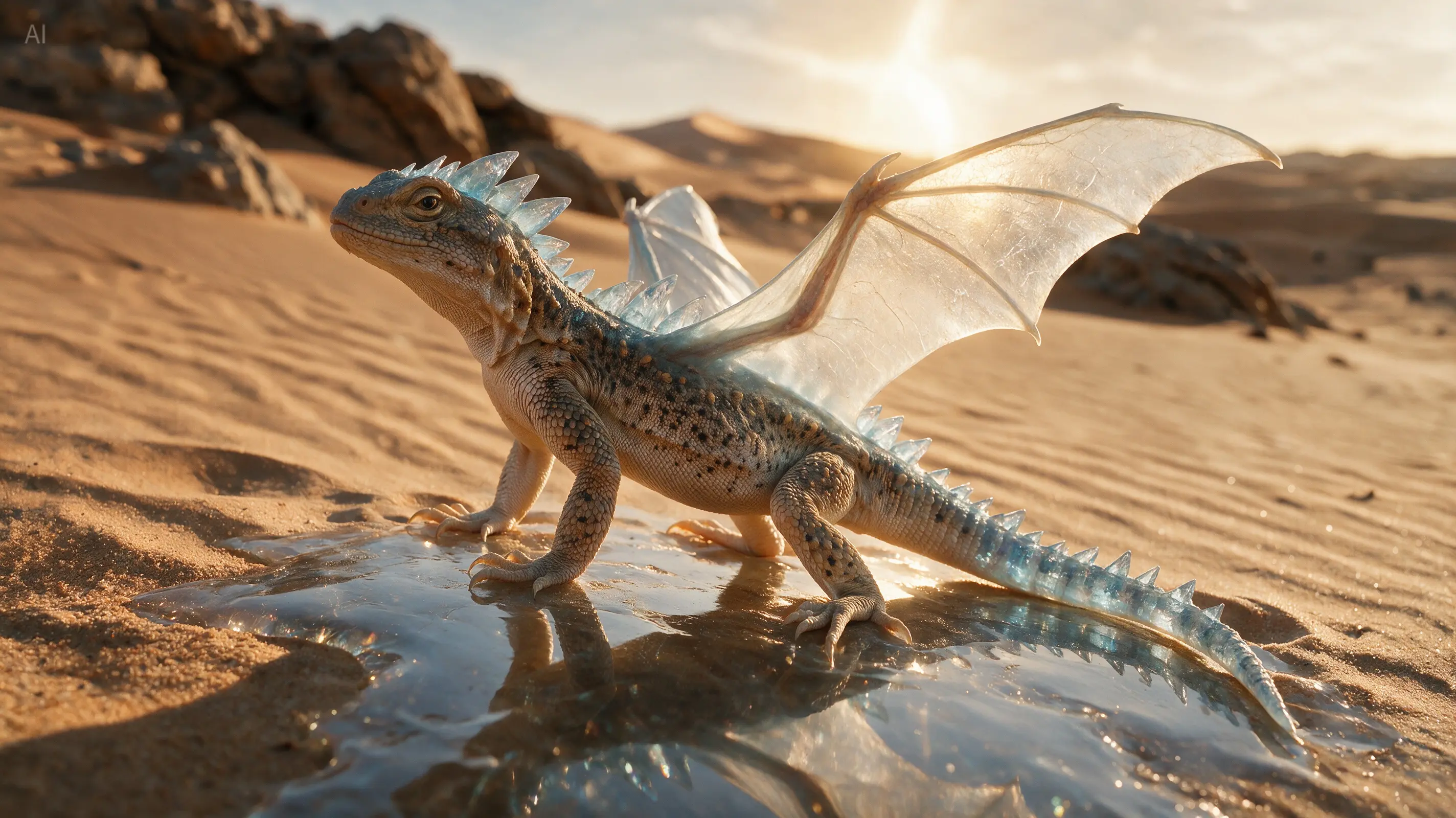
Choose AI models to make videos and images in different styles.
Choose a model to turn your ideas into images and videos.
Pick an image or video model for the result you want to make.
Write the subject, setting, and style. Add reference material when the selected model supports it.
Check the result, adjust your prompt or settings, and keep developing the direction you like.
Free creation is the workspace for creating images and video outside the script breakdown flow. Generation uses the selected task’s current cost and any eligible account benefits. Editing and export are free; this does not make every generation free.
Yes, use an image input in a model and mode that supports it. Select the reference through the input control, describe the intended action, then review the generated clip before using it in your scene.
Editing and export are separate from image or video generation. Check the selected model’s current credit quote before submitting a generation. A free editor does not mean unlimited free clips.