
Vertical short dramas
Build a scene around a character, a conflict and a turn.
Start with an idea. Write the script, shape your characters, generate shots and edit them into a film. Panco connects the steps, so you can create at your own pace.
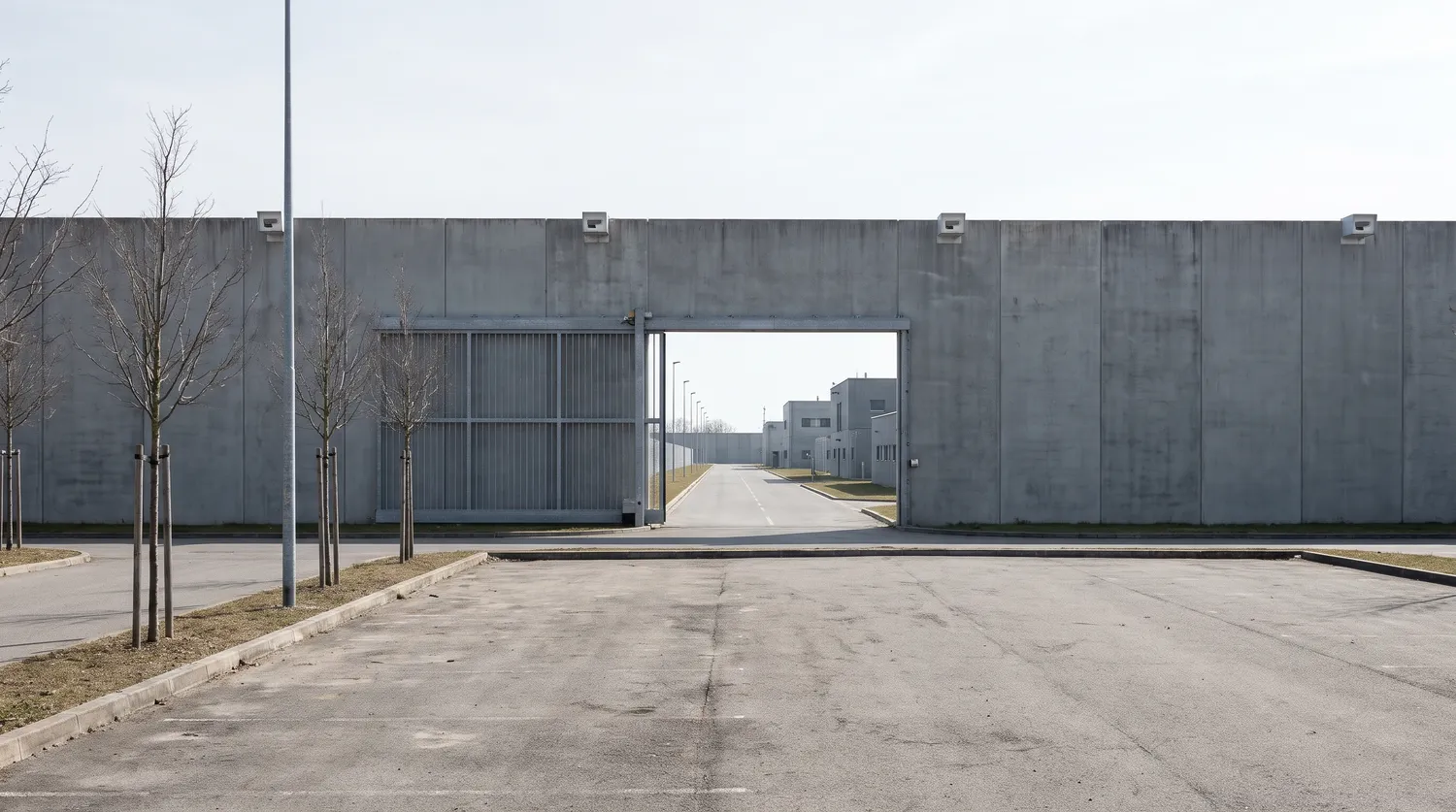
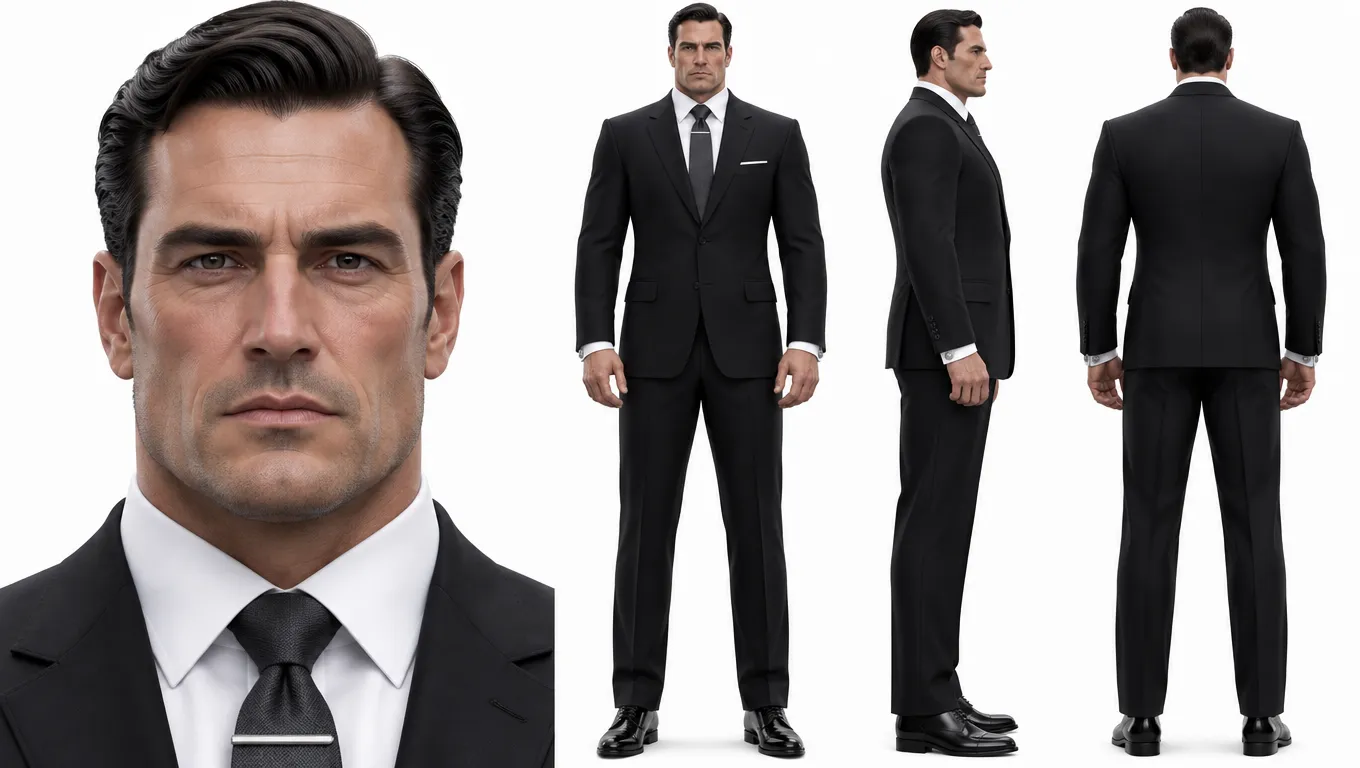
Build a scene around a character, a conflict and a turn.
Explore an idea through atmosphere, imagery and rhythm.
Return to familiar characters and take their stories further.
Start with a character and a conflict. Develop the scenes and dialogue, or bring an existing draft into your project.
Learn more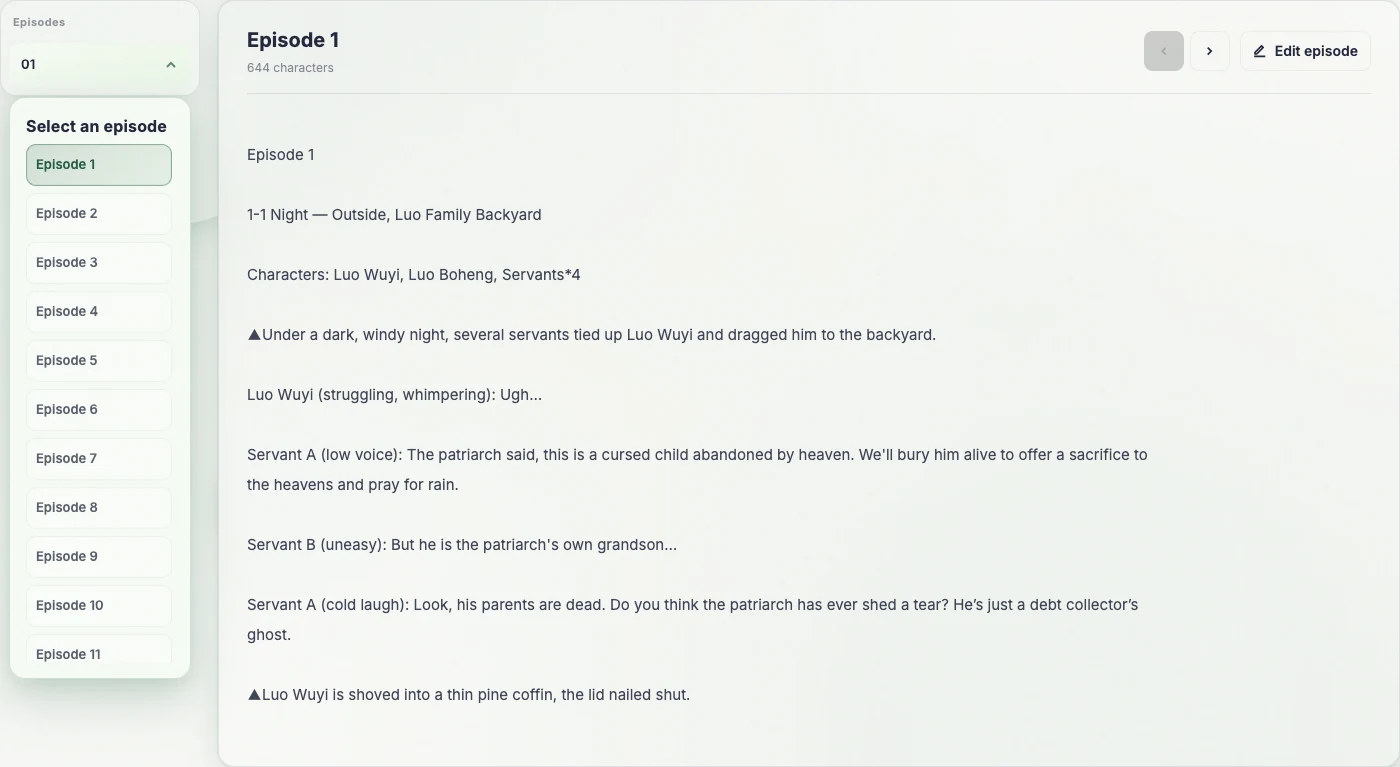
Prepare character and scene references. Plan what each shot needs to show before you start generating.
Learn more
Choose a model, describe the action and add supported references. Review the result and adjust the shots you want to improve.
Learn more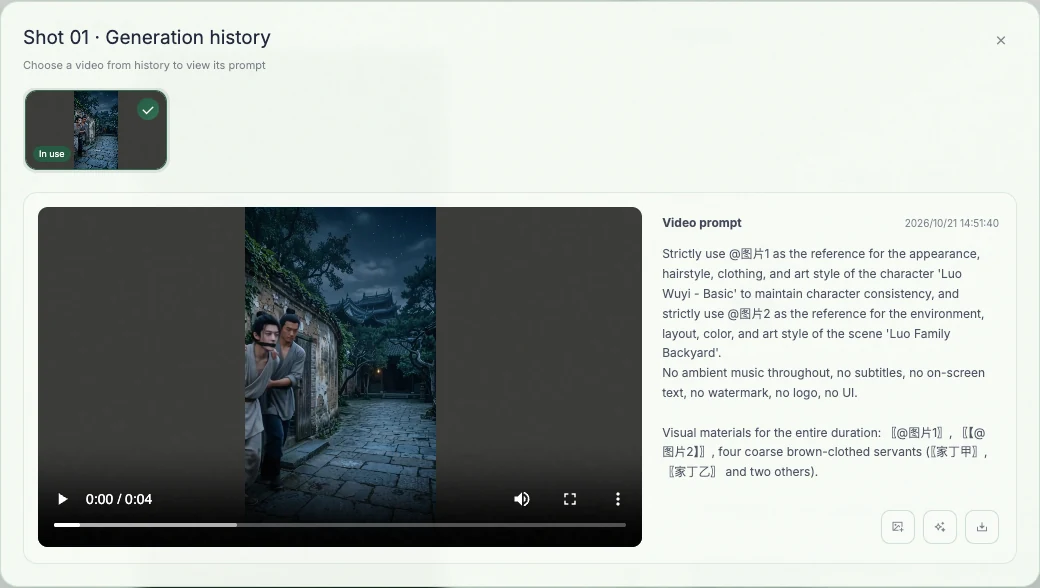
Select videos from your project, arrange and trim clips, balance the sound and download an MP4. Editing and export are free.
Learn more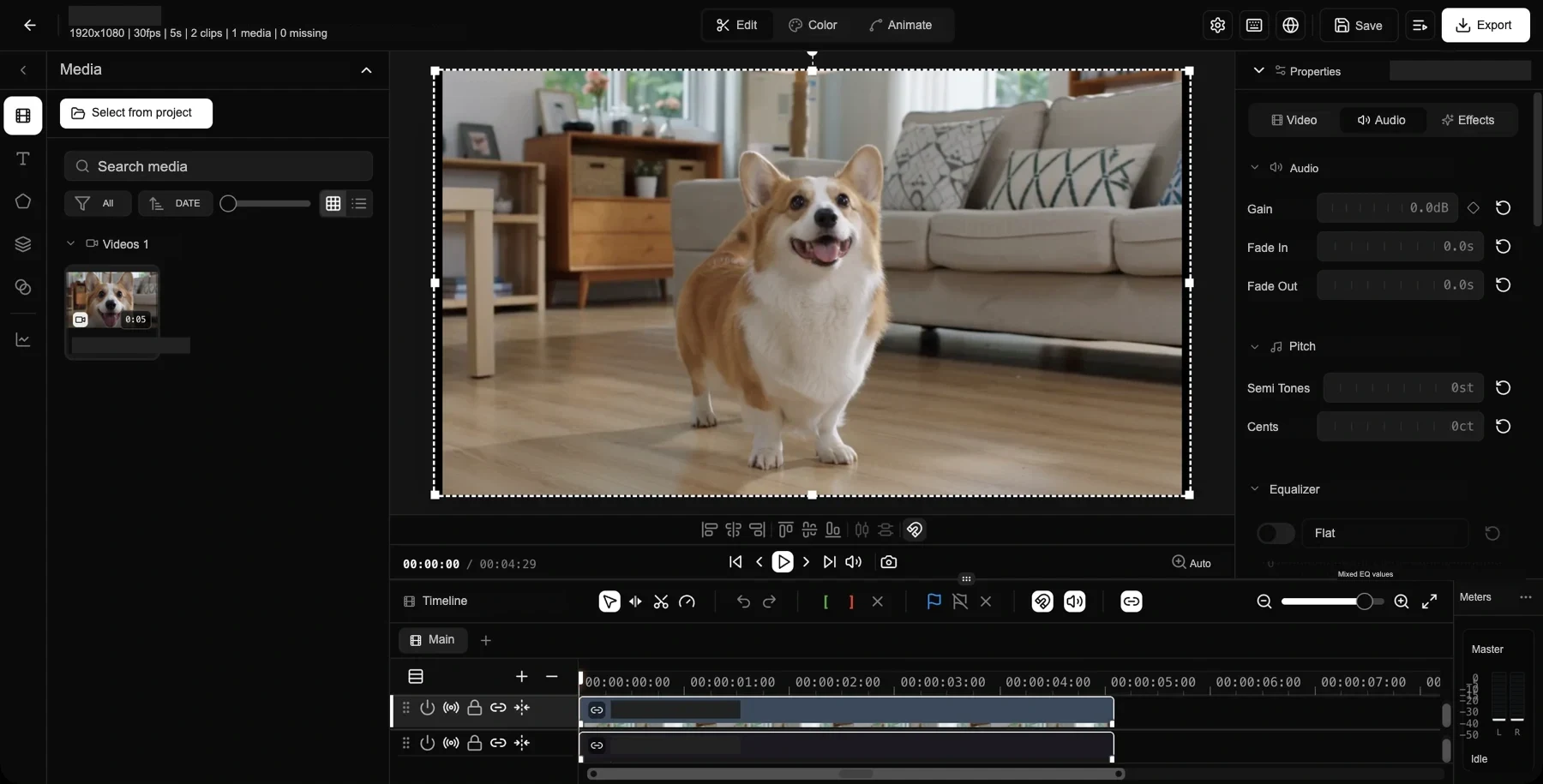
Compare visual directions side by side and choose the one that fits your story.
Keep selected references and generated shots in your project for the next step.
Save your edit, then return to change a shot, a transition or the pacing.
Individual creation suits someone handling the script, shots and edit themselves. Teams work together in one project, share assets and track progress, with member permissions and credit allocation managed by an administrator. Choose individual creation when you work independently; explore the team option when writers, artists and editors need to work together.
Explore team collaborationNo. Start with a character, a setting or a conflict and develop the story step by step. You can also begin with an existing draft.
Yes. Use images as references where the selected model supports them. The editor also lets you import video clips and continue editing.
Image, video and new audio generation use credits according to the selected model and settings. Check the displayed cost before submitting. Editing existing clips and exporting an MP4 are free.
View pricingSave your edit, choose Export and export a video. Download the finished MP4 when it is ready.
Learn moreApprove one short scene, prepare a small reference set, generate the difficult shot first and edit only accepted ranges. Reuse the same character and location decisions across episodes. The linked Seedance article contains actual story clips and prompt changes; the reference case shows both the useful cues and remaining mismatches.