Describe the mood
Write down the atmosphere and sound direction for the scene.
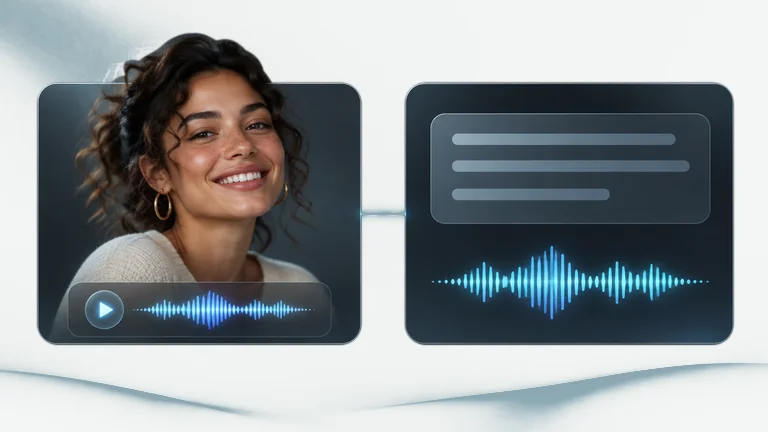
Write an audio brief and add image or audio references when useful. Generate and listen before choosing a direction.

Write down the atmosphere and sound direction for the scene.
Use an image when it helps explain the relationship between sound and picture.
Add an audio reference when it helps guide your exploration.
Start with a written audio brief. Add an image or audio references when they help explain your direction.
Listen to the full result and check whether it suits the timing and mood of the scene.
Use it to explore audio directions from a text brief and reference material.
Use it to explore audio directions from a text brief and reference material.