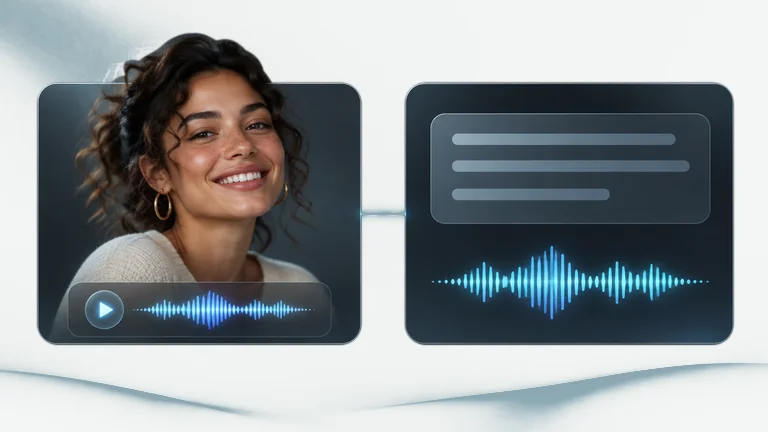
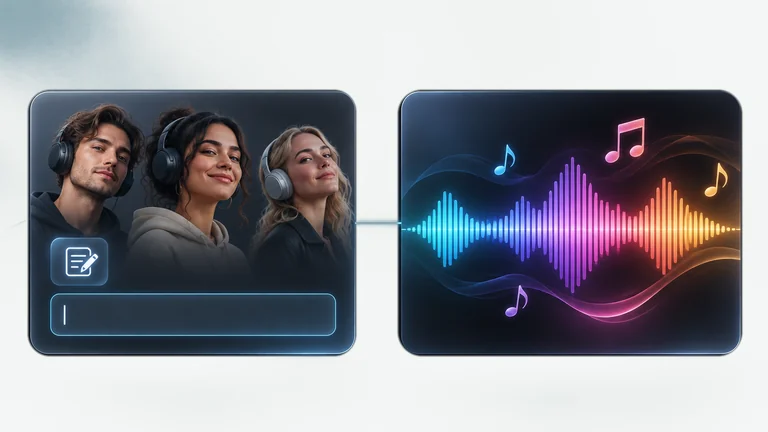
Character dialogue
Choose a voice and listen to the tone and pauses in a conversation.
Enter dialogue or narration, choose a voice, and adjust the delivery to hear how the words work in your story.
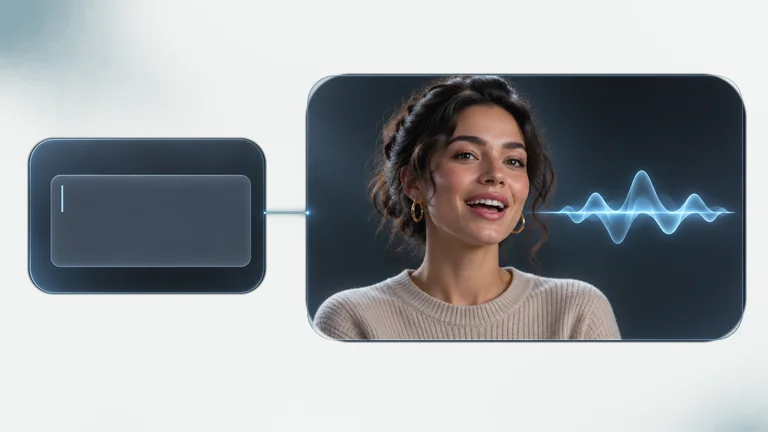
Choose a voice and listen to the tone and pauses in a conversation.
Hear background information read aloud and consider its pacing.
Listen to how long a line takes before deciding how the visuals fit.
Enter dialogue or narration, preview a voice, and adjust how the text is spoken.
Listen for pronunciation, pauses, and delivery before adding the audio to your edit.
Use it to prepare dialogue or narration and explore the pacing of a scene.
Use it to prepare dialogue or narration and explore the pacing of a scene.