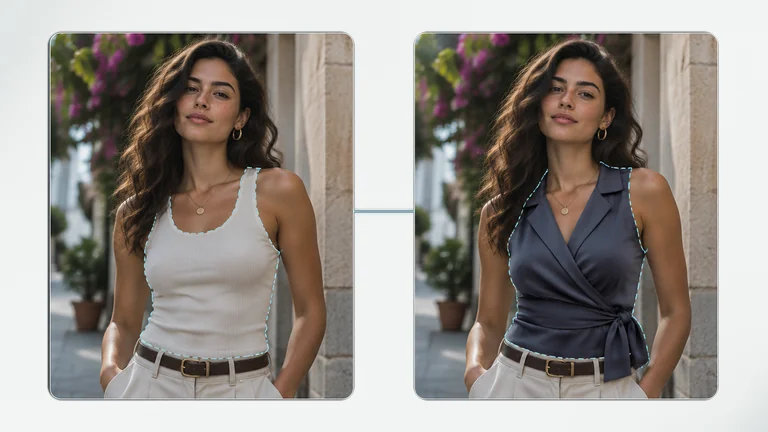
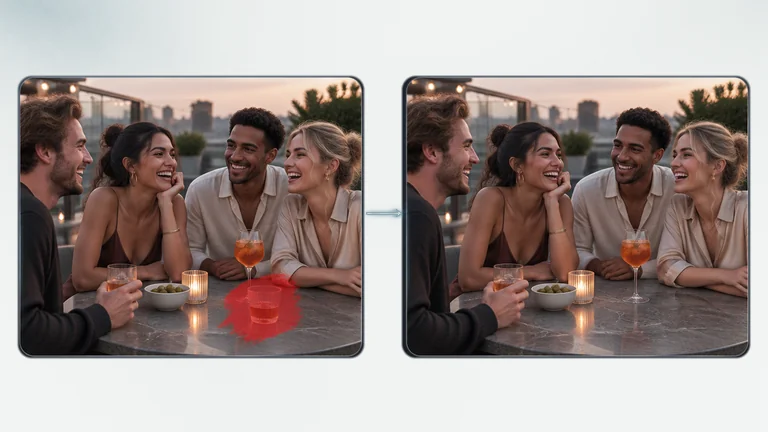
Give a character space
Extend the image edge to explore a looser composition.
When a subject sits too close to the edge, choose a direction and explore more space around your existing image.
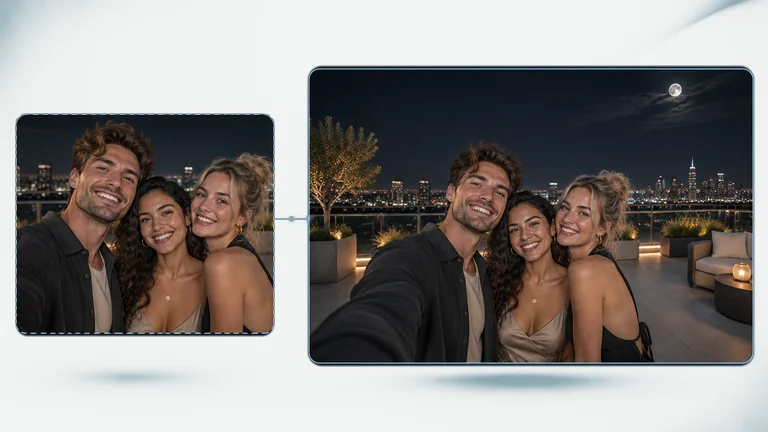
Extend the image edge to explore a looser composition.
Explore more of the surroundings in a scene reference.
Leave space around the image for text and layout.
The reference is useful, but the subject sits too close to an edge. Extend the image in the directions you need to create more surrounding space.
Check whether the added background and perspective match the original scene.
Use the added space to explore a wider composition or leave room for a title.
Use the added space to explore a wider composition or leave room for a title.