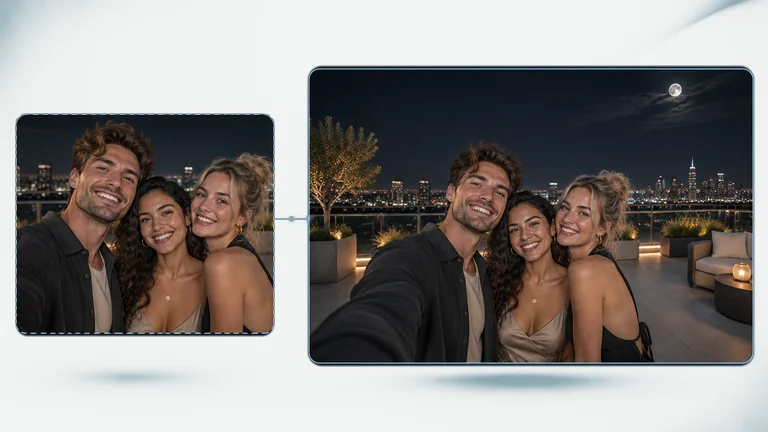
Adjust a costume
Try another jacket, accessory, or costume detail for the same scene.
Start with an image you already like. Brush over the area you want to adjust and describe a new detail for the next shot.
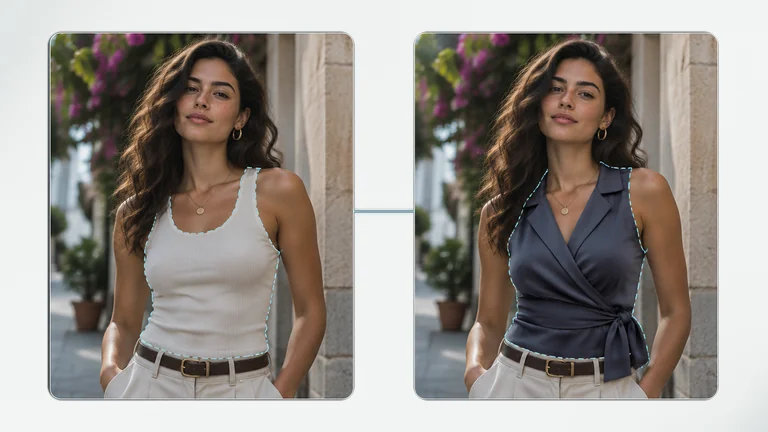
Try another jacket, accessory, or costume detail for the same scene.
Explore a different object for your character to hold.
Describe a change to an area of the scene that needs more work.
A character reference is close, but the clothing or a prop needs changing. Mark the part you want to replace and describe the new content.
Review the boundary of the edited area, the face, and the surrounding details.
Use it to prepare a costume or prop variation for a scene.
Use it to prepare a costume or prop variation for a scene.