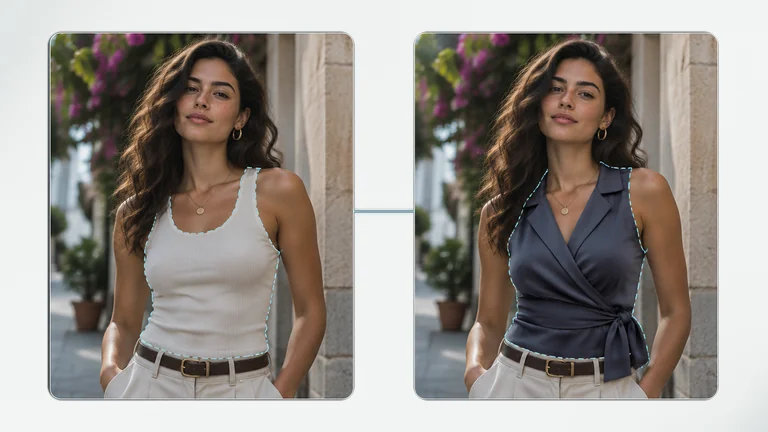
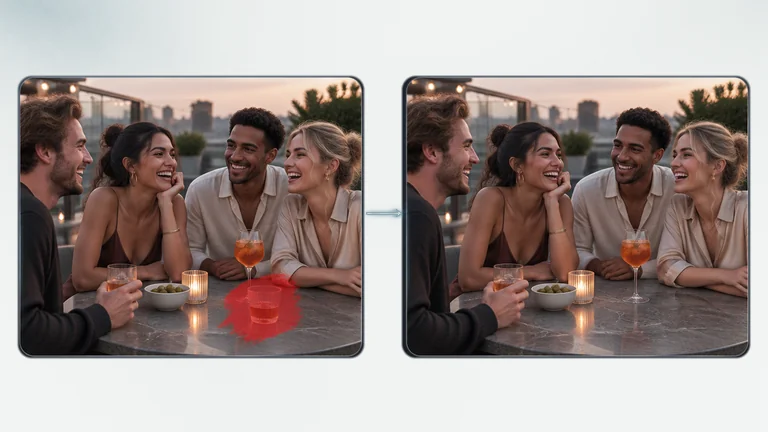
Explore a side view
Try another viewing direction from a character reference.
Need a different view for the next shot? Upload an image and adjust the horizontal angle, vertical angle, and distance.
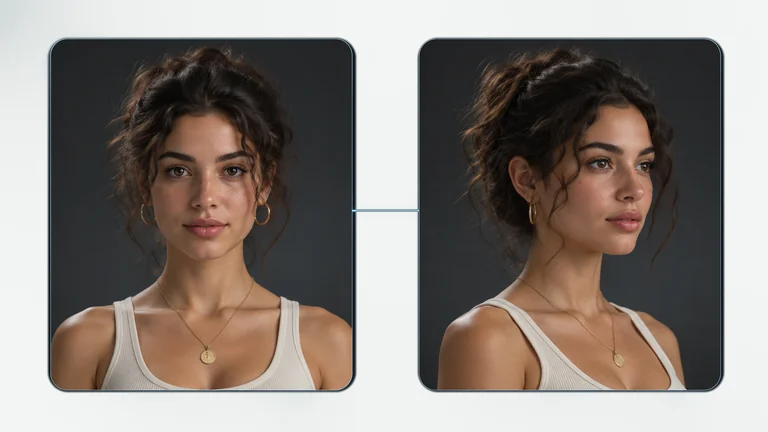
Try another viewing direction from a character reference.
Adjust the distance and see how the composition changes.
Explore angles around the same material and choose one for the story.
The next scene may call for a side view or a different viewing distance. Start from your reference image and adjust the viewpoint.
Compare the face, hair, clothing, and proportions before choosing a result.
Use the results to explore character and storyboard references.
Use the results to explore character and storyboard references.