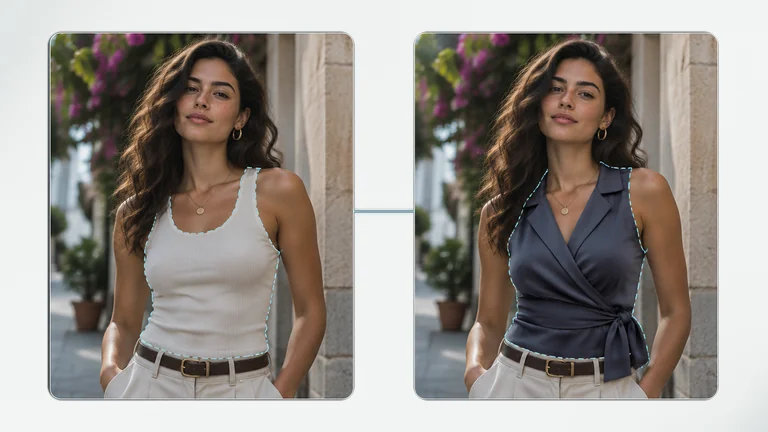
Explore a character style
Try an anime treatment of a realistic character reference.
Bring an existing character or setting reference and explore how it could look in an anime style.
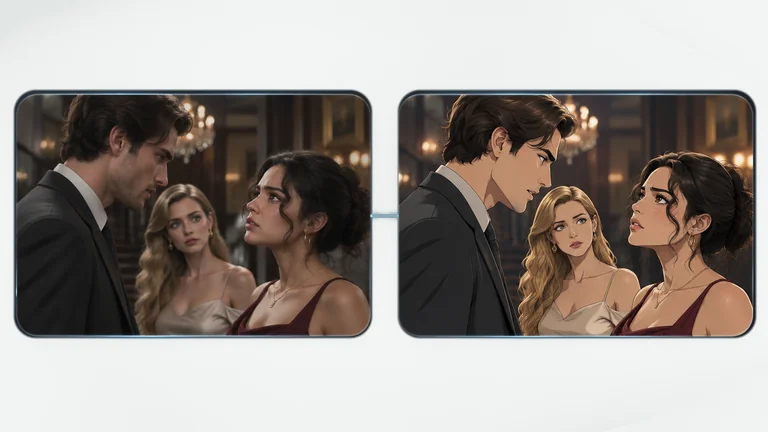
Try an anime treatment of a realistic character reference.
Explore how a scene might read in an anime style.
Review versions side by side and choose a look for the story.
Try an anime treatment of an existing image when you are deciding how a character or setting should look.
Check that expressions and story-relevant details still read clearly.
Use it to explore the look of an animated short drama.