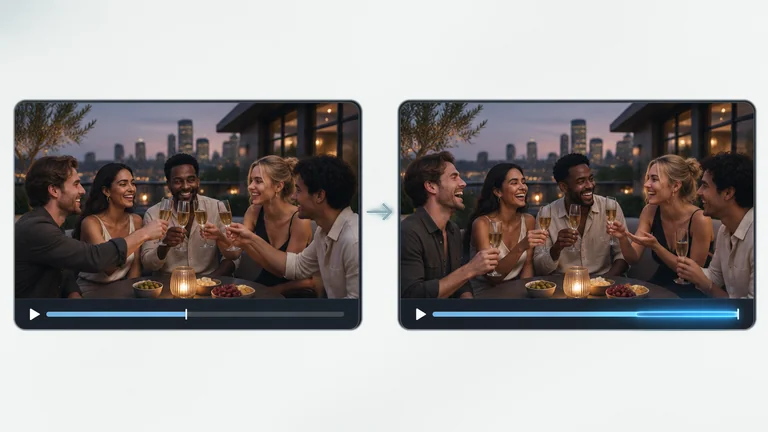
Change the content
Describe the part of the shot you want to explore differently.
Start with an existing clip and describe what you want to change. Add references as needed for the selected mode.
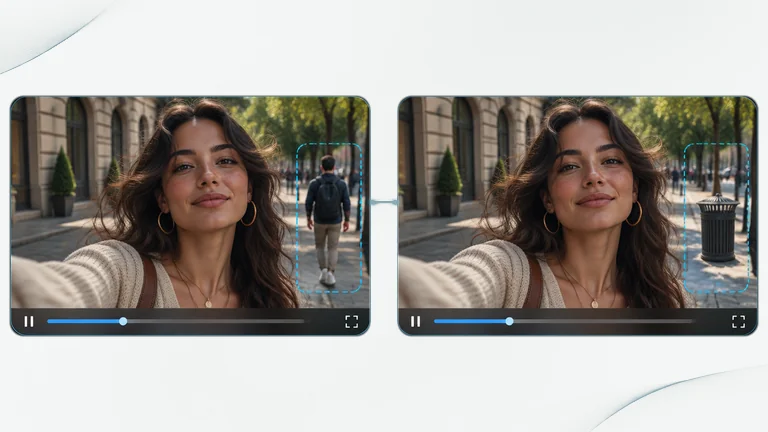
Describe the part of the shot you want to explore differently.
Use image, video, or audio references as supported by the selected mode.
Try different instructions and review the resulting clips.
Bring a video and describe the content you want to change. Add image, video, or audio references when the selected mode calls for them.
Check the entire clip for continuity, motion, and changes outside the intended area.
Useful when the scene direction is right but part of the video needs revising.
Useful when the scene direction is right but part of the video needs revising.