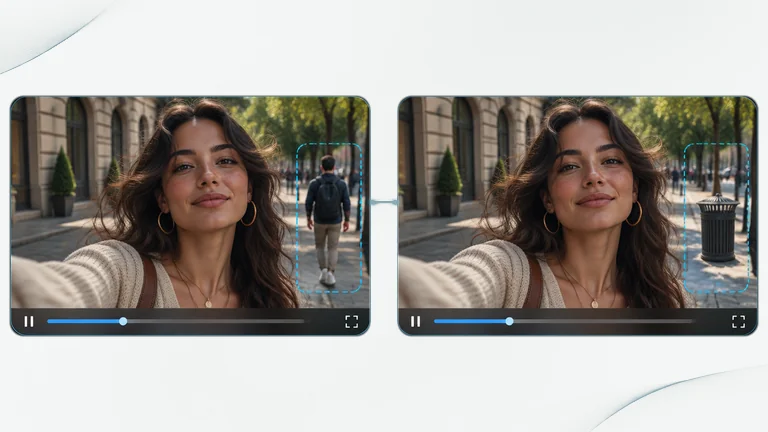
Continue an action
A character opens a door. Explore what happens as they enter.
When a clip ends just as something interesting begins, start with the existing video and describe what happens next.
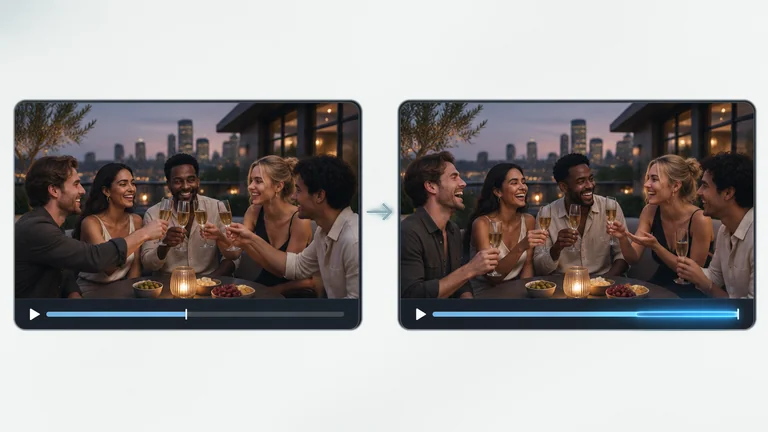
A character opens a door. Explore what happens as they enter.
Explore a longer shot when the scene needs room to breathe.
Start from the same clip and compare descriptions of what comes next.
When a useful moment ends too soon, start with that clip and describe how you want the action to continue.
Check the transition, character appearance, and motion before editing the clips together.
Use it to explore a continuation for a scene that needs a longer action beat.
Use it to explore a continuation for a scene that needs a longer action beat.