Start here
How to Make a Short Drama with Seedance: References, Shots and Prompts
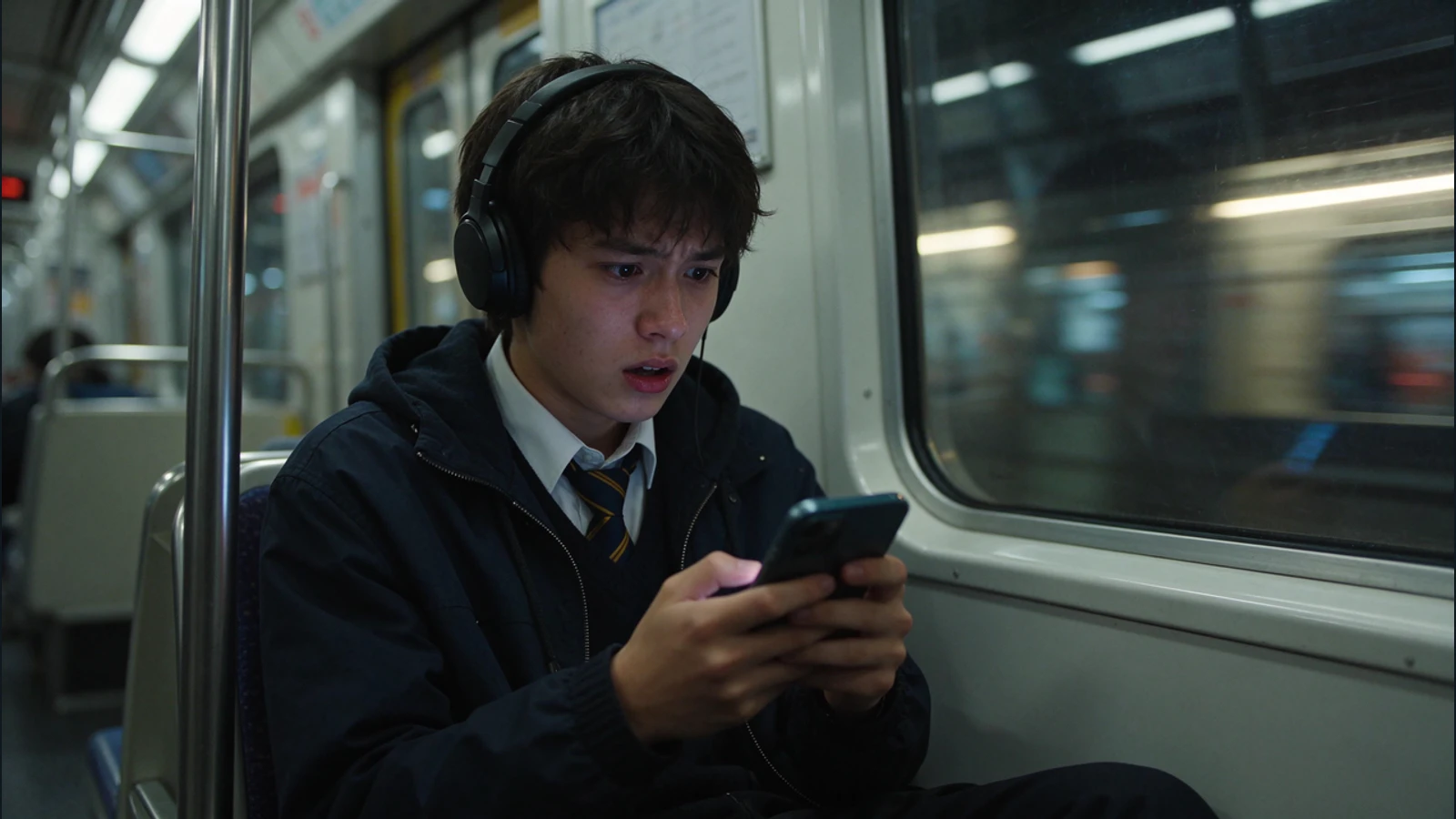
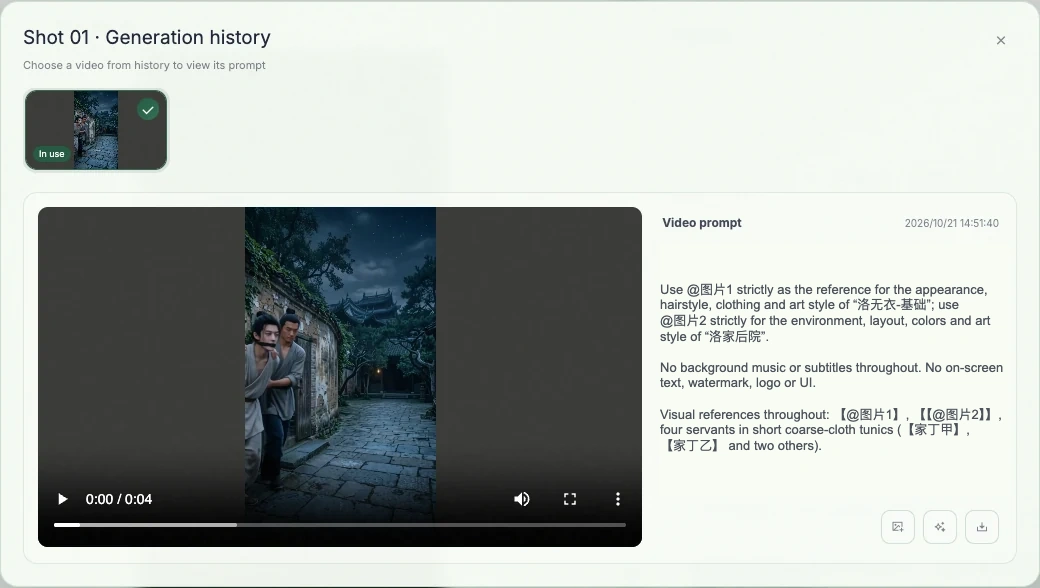
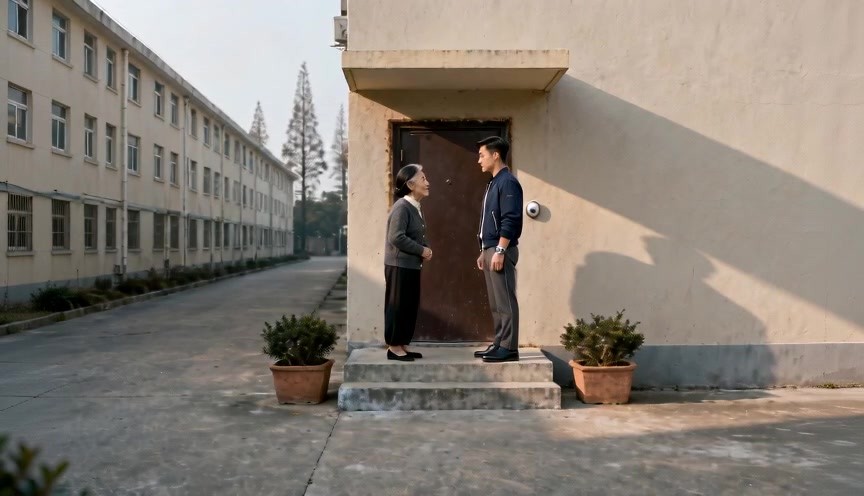
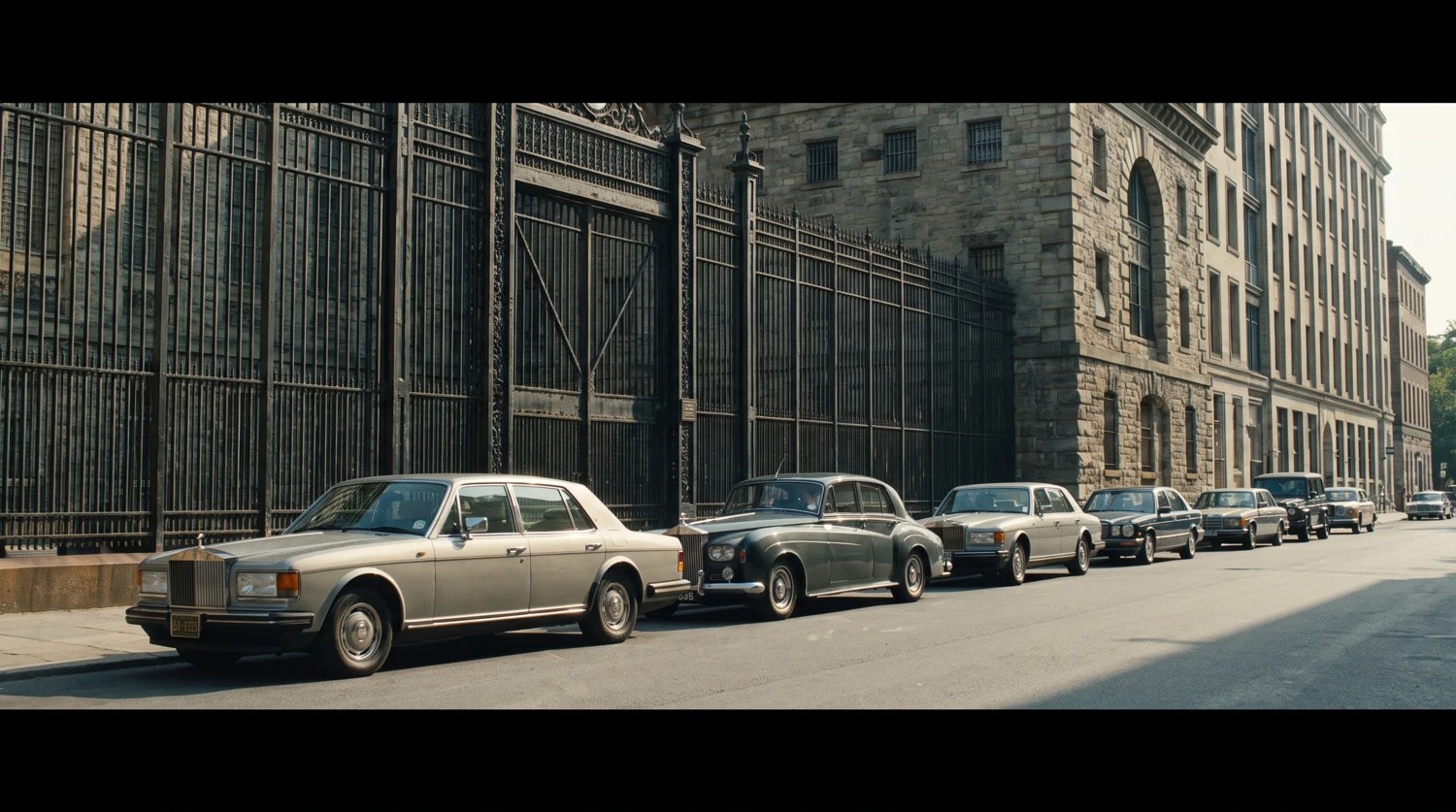
Compare two Seedance videos of the same story. See how to prepare characters, scenes and prompts for an AI short drama in Panco.
Read the case studyFrom your first idea to the final shot. Practical guides for AI filmmaking.
Compare two Seedance videos of the same story. See how to prepare characters, scenes and prompts for an AI short drama in Panco.
Read the case studyBuild a short drama episode outline around goals, consequences and answered questions. Follow an original four-episode example and check continuity in Panco.
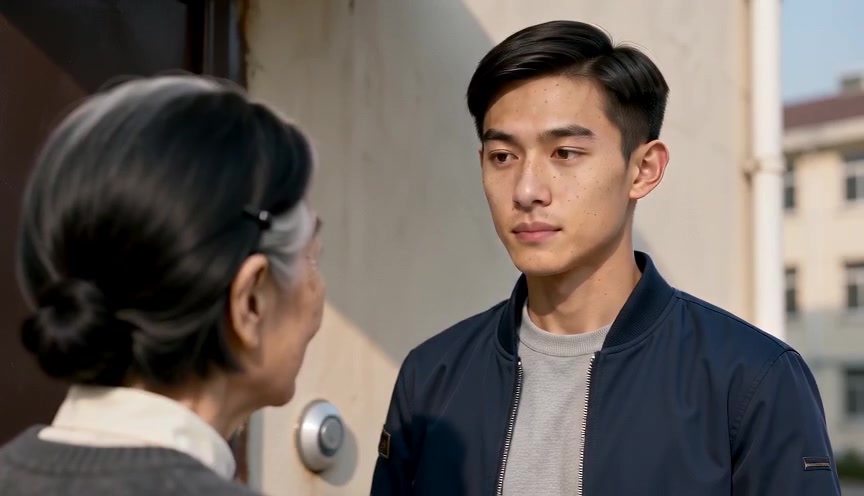
Rewrite explanatory dialogue as pressure, refusal and negotiation. Use an original scene to connect character goals, subtext, actions and reactions.
Choose representative test footage, separate story comprehension from interest, and record production feasibility before committing to a full AI short drama.
Learn what Wan 3.0 can generate, which inputs fit your shot, and how to prepare references in Panco, make a reaction shot and edit a short scene.
Use MiniMax H3’s image and video references for character performance. Learn how to assign reference roles in Panco and inspect action, identity and style.
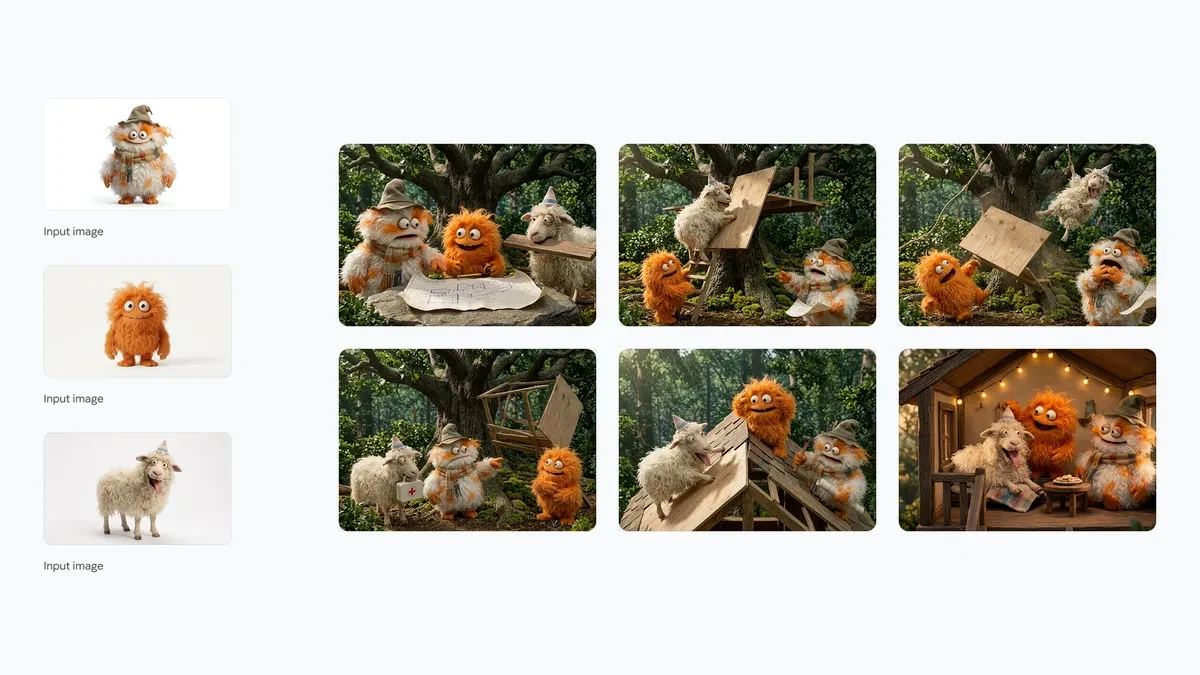
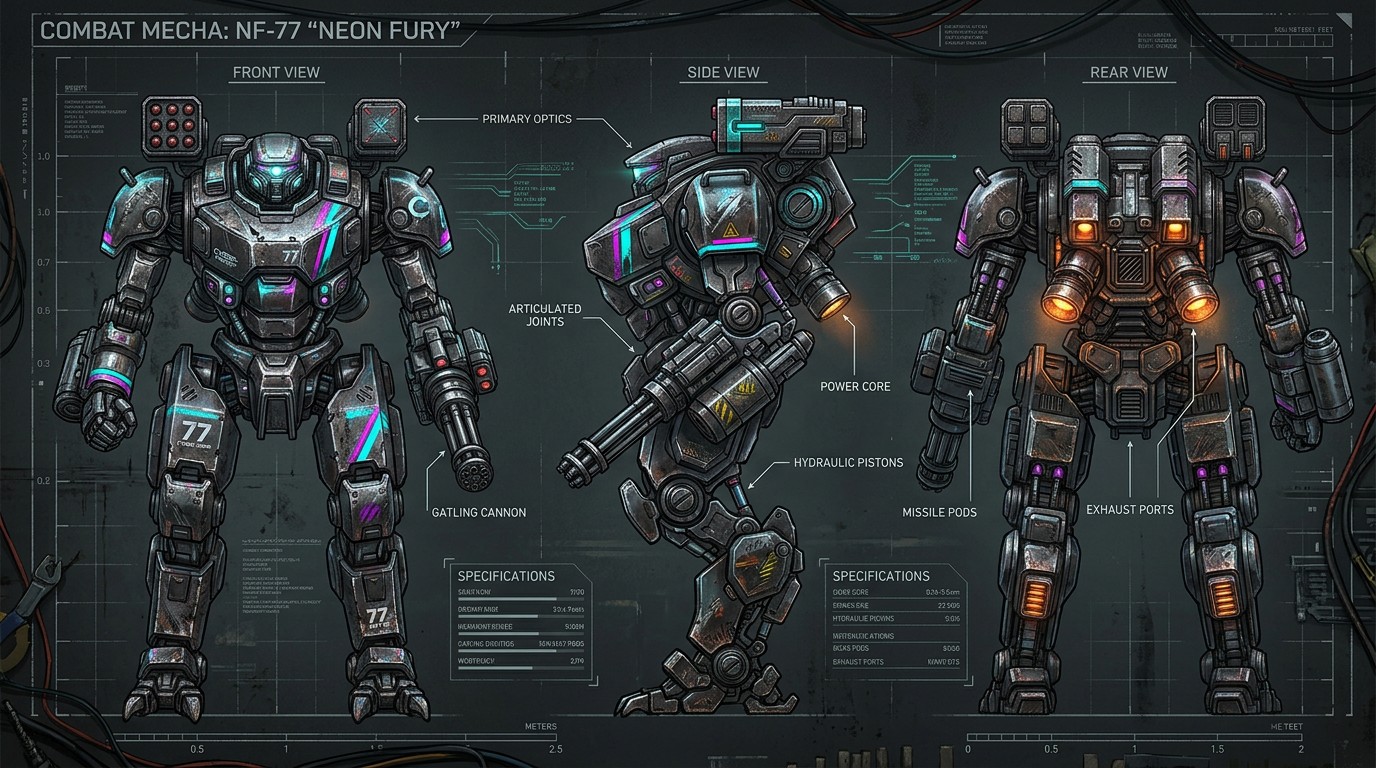
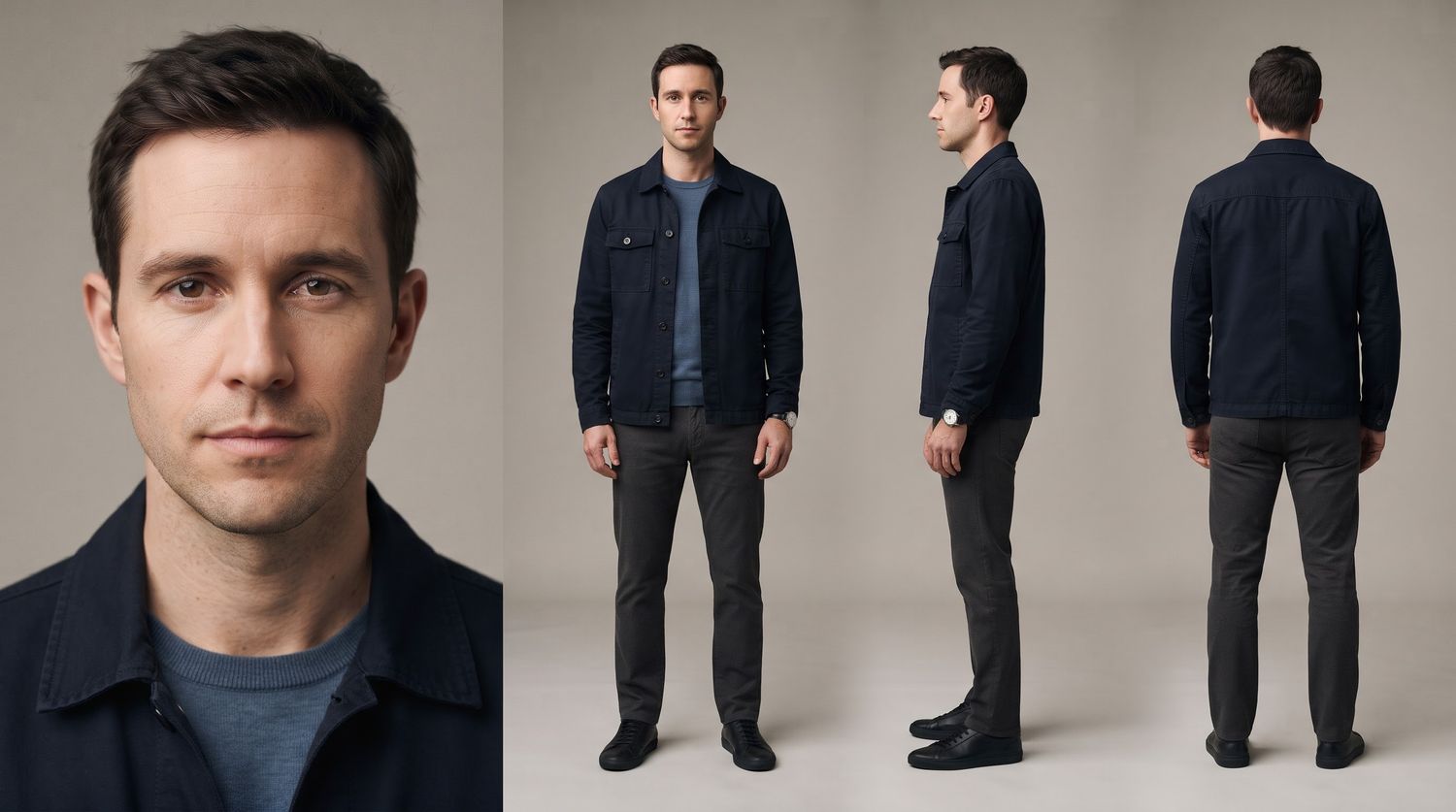
Use Nano Banana Pro or Nano Banana 2 to create a main character image, add side and rear views, and organize reusable references for Panco storyboards.
Use Seedream 5.5 for targeted storyboard edits, transparent props and in-scene text. Prepare references in Panco, revise one detail at a time and check the frame before animating it.
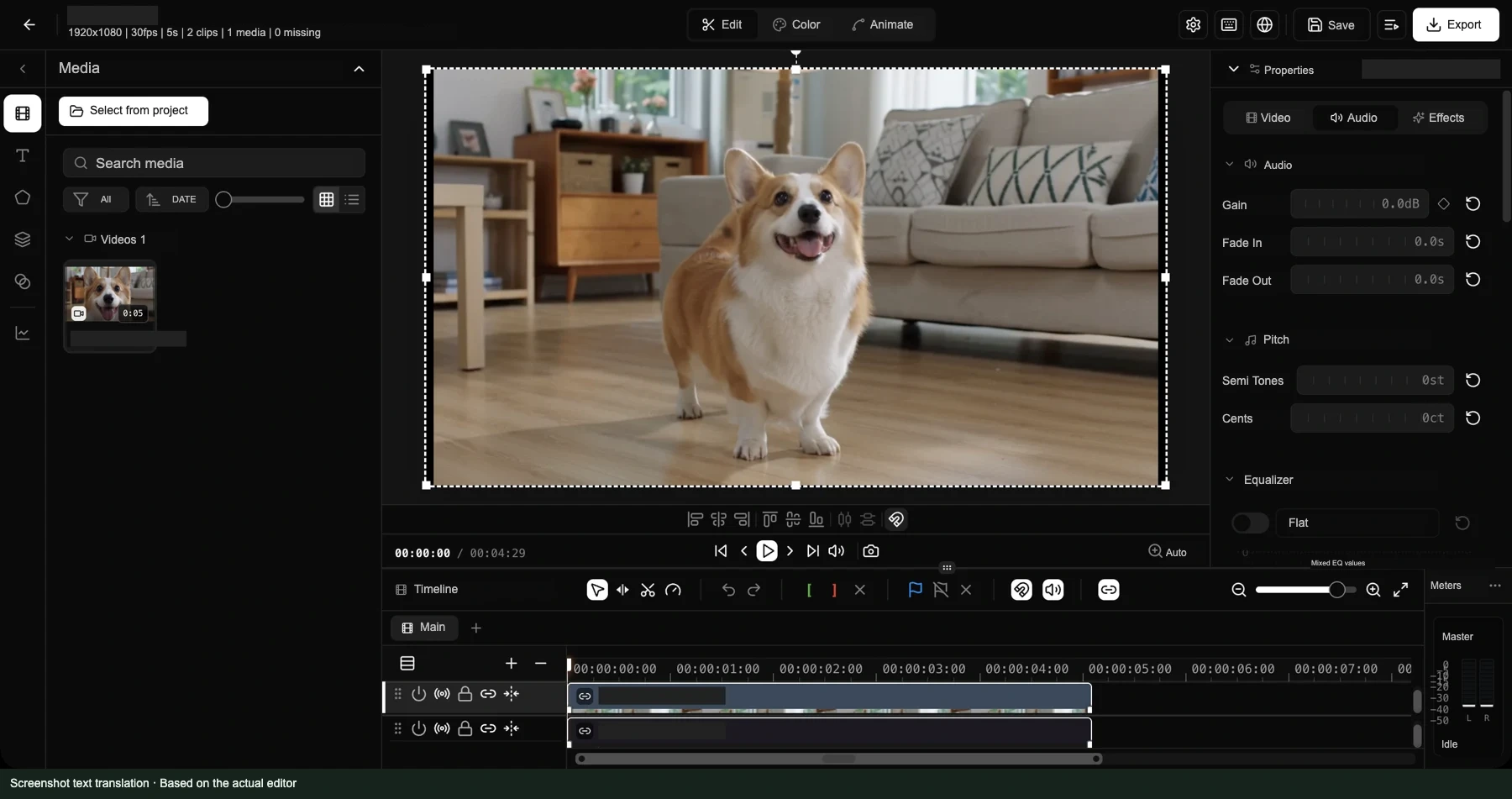
Panco editing is completely free. Select videos from your project, arrange and trim clips, adjust sound and export an MP4 without moving to another editor.
Practice editing a three-clip farewell scene in Panco: choose the useful moments, trim the edges, split out a pause and close the gaps between clips.
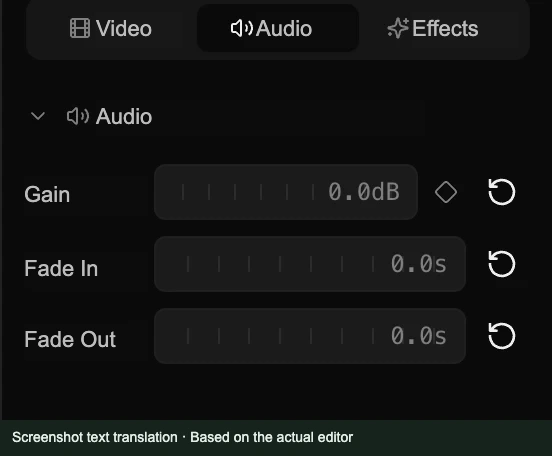
Select audio on the Panco timeline, enter gain and fade values, and fix loud dialogue or abrupt starts and endings without generating the video again.
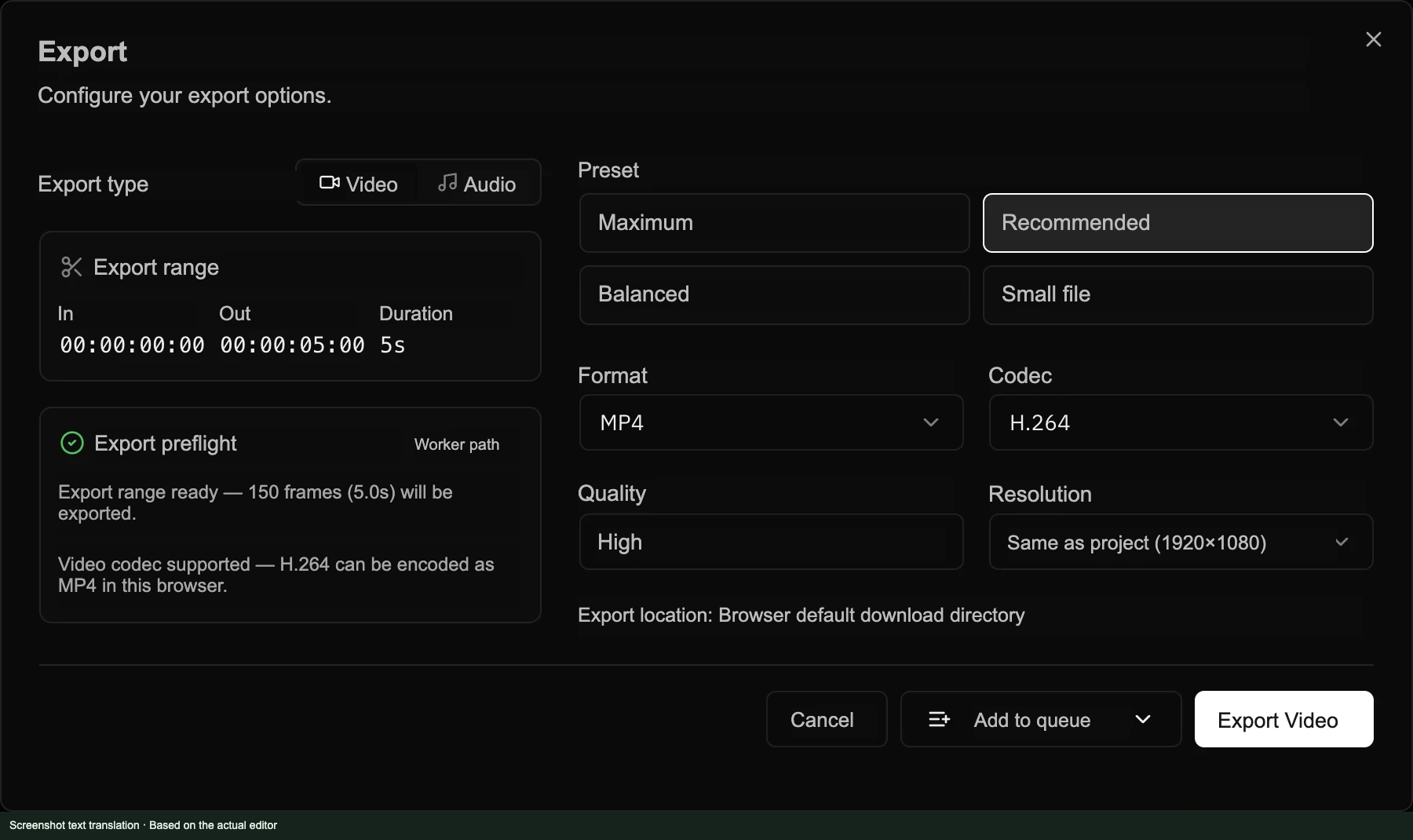
Panco editing and export are free. Choose Video and Recommended, confirm the full duration, export and click Download to get a playable MP4 file.
Plan an AI conversation in four shots. Select references in Panco, separate the speaker and listener, and check voices, faces and cuts.
Estimate an AI short film budget from shots and retries. Use a simple worksheet to record generation costs, usable seconds and what to change.
Plan a 60-second vertical AI drama with a simple 9:16 shot list. Keep faces, props and subtitles clear on a phone.
Learn when to use image to video or text to video, how to write each prompt and where to check the submitted references in Panco.
A practical Seedance handbook with a complete template, ten keyword categories, modern and period-drama examples, image/video/audio references, editing, extensions, character definitions, camera movement, dialogue and special symbols.
Find checks and remedies for identity drift, unwanted subtitles and logos, style changes, flicker, extension jumps, duplicates, quality loss, effects and crowds, plus audio clicks, Chinese pronunciation and voice mismatch.
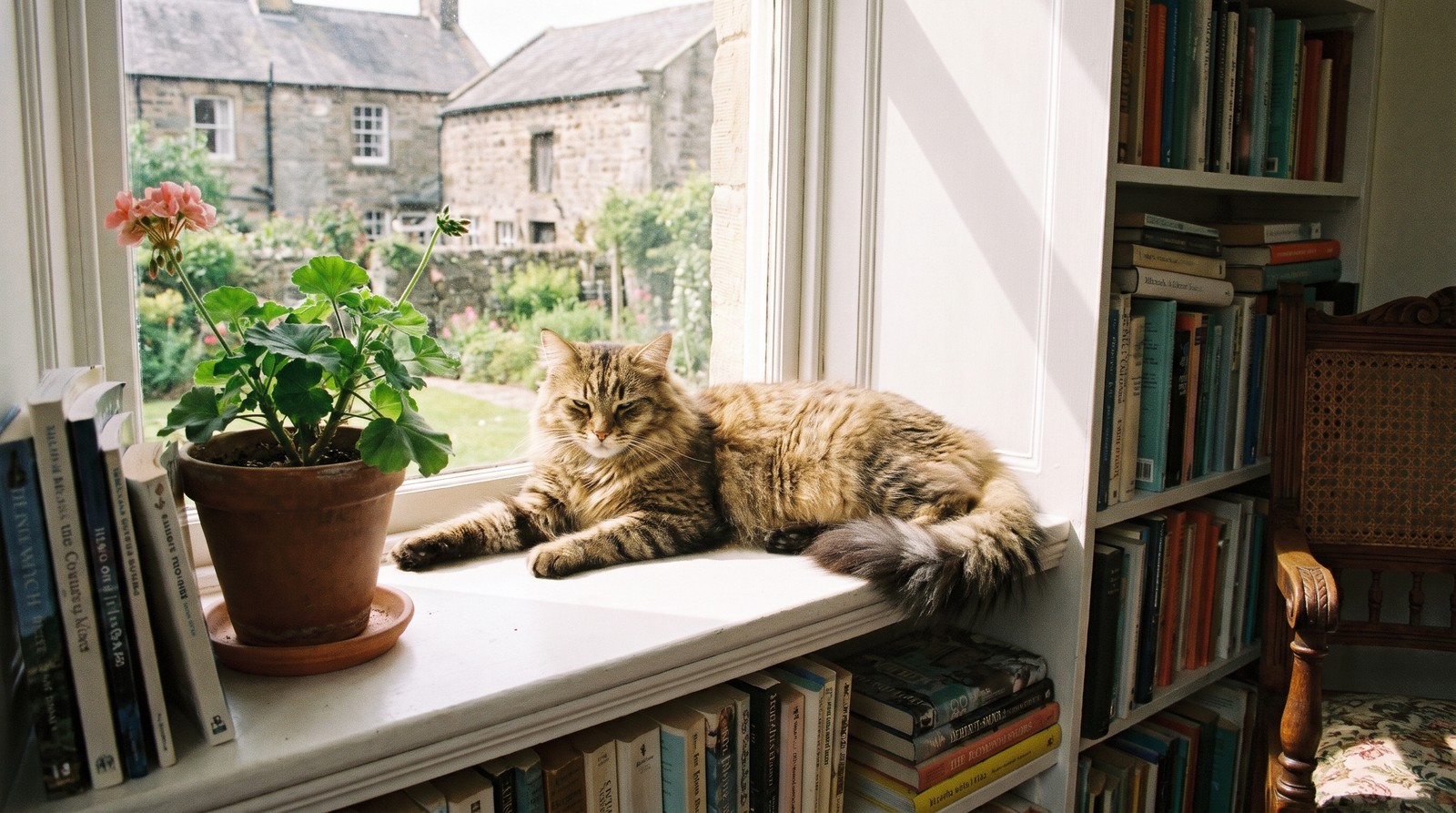
Write your first Seedance shot with one action, clear camera direction and a named speaker. Compare real clips, then change one instruction at a time.
Fix changing faces, outfits and mixed identities in AI video. Prepare character references in Panco and check them across shots.
Make your first AI short film in Panco. Follow the steps for scripts, characters, storyboards, video, voices, canvas and editing.
Break down an AI drama opening with real references, prompts and video. Learn how to split busy scenes and choose which clips to keep.
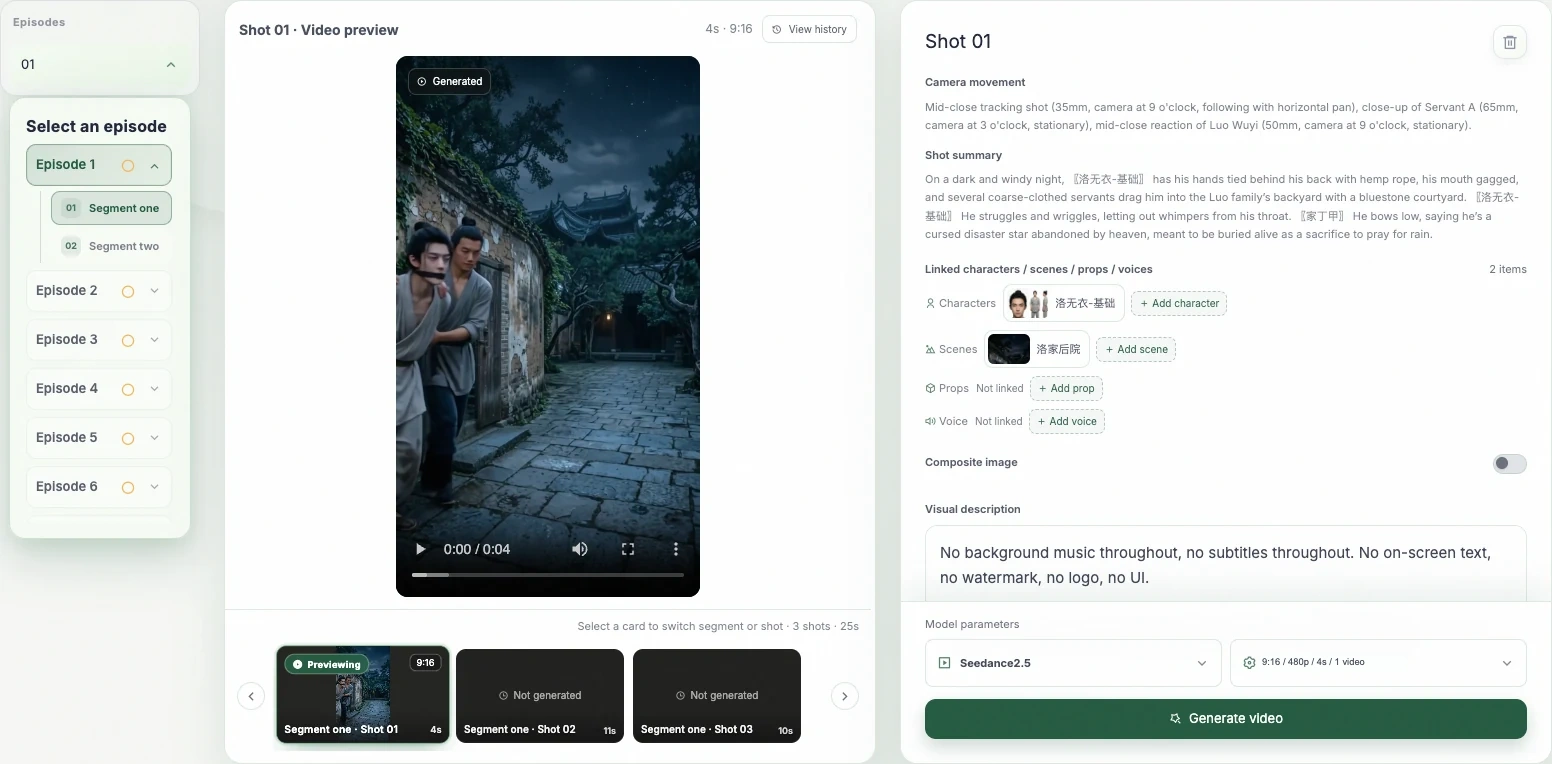
Turn a script into AI storyboard shots in Panco. Check the episode, select references, write actions and inspect generation history.
Fix misspelled or drifting text in Wan videos. Learn when to simplify a sign shot, use a reference, split the scene or add editable text in post.
Track clothing, accessories and object ownership across AI shots, then fix the specific continuity error without redesigning the character.
Start with an existing short drama, check its characters, props, actions, and dialogue, then use Panco Redraw to make a new version.
Plan an AI short drama in Panco: write scenes, prepare references, choose models, review shots and edit a finished episode.
Keep faces, outfits and props coherent with approved references, Panco @ mentions and shot-by-shot checks.
Compare Seedance 2.5, Wan 3.0 and MiniMax H3 through official capabilities and human preference ratings, with recommendations for short-film production.
Compare AI short-drama tools by script handling, references, shot control, editing and handoff—not a single impressive clip.
Plan a vertical short-drama pilot with clear scene turns, readable close-ups and a deliberate episode ending.
Turn an approved scene into a readable vertical social cut: opening context, captions, framing, sound and version checks.
Estimate generation attempts, accepted footage and revision reserve. Separate generation spend from Panco’s free editing and export.